Voice

Speak to your agents and hear their answers.

Download the video · the pictures come from a demo account, so the names and chats in them are examples.

Step 1 of 3

Settings, Voice: pick the voice and the speed, and press “Test voice”.
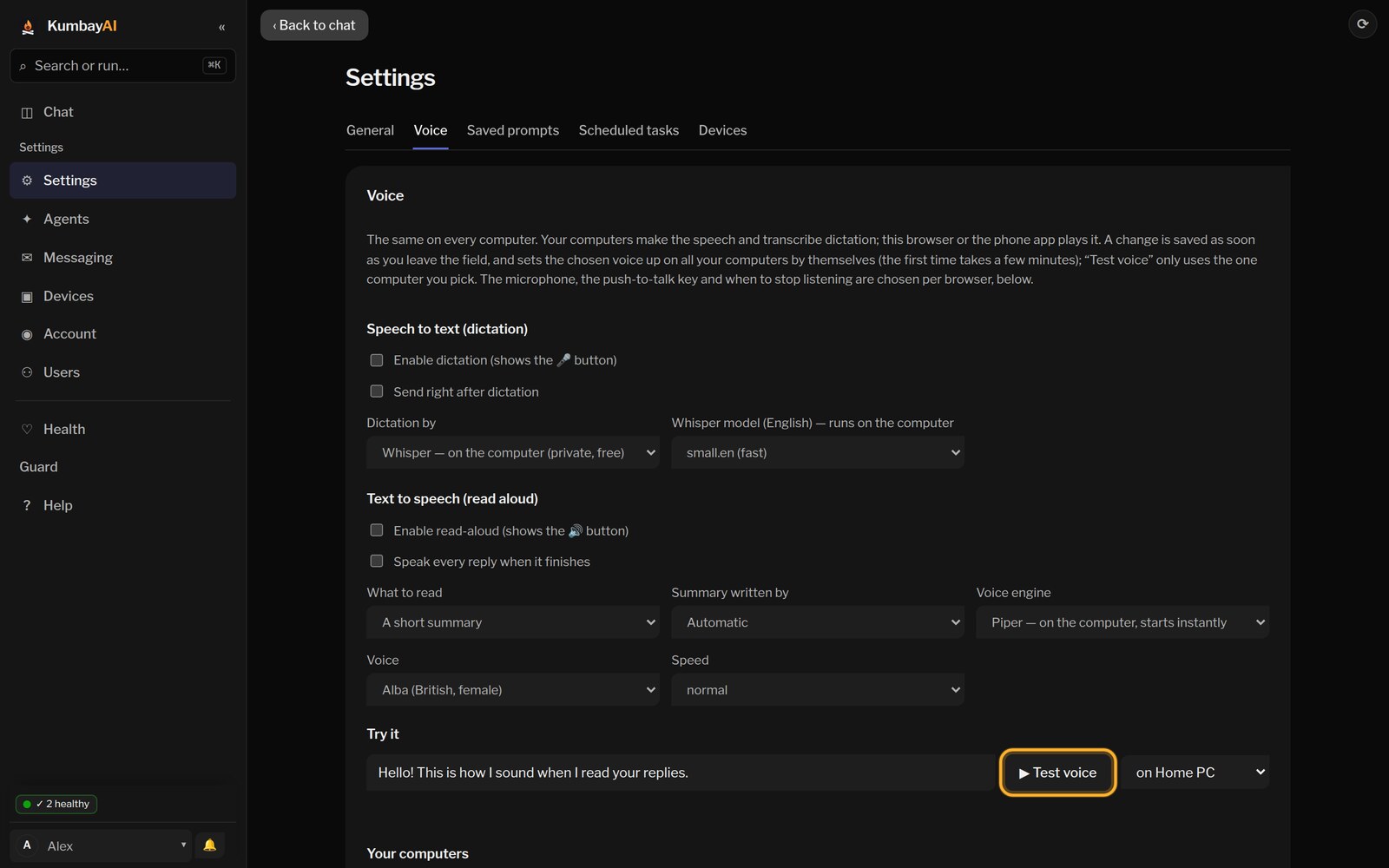
Settings, Voice: pick the voice and the speed, and press “Test voice”.
The screen · Download the picture
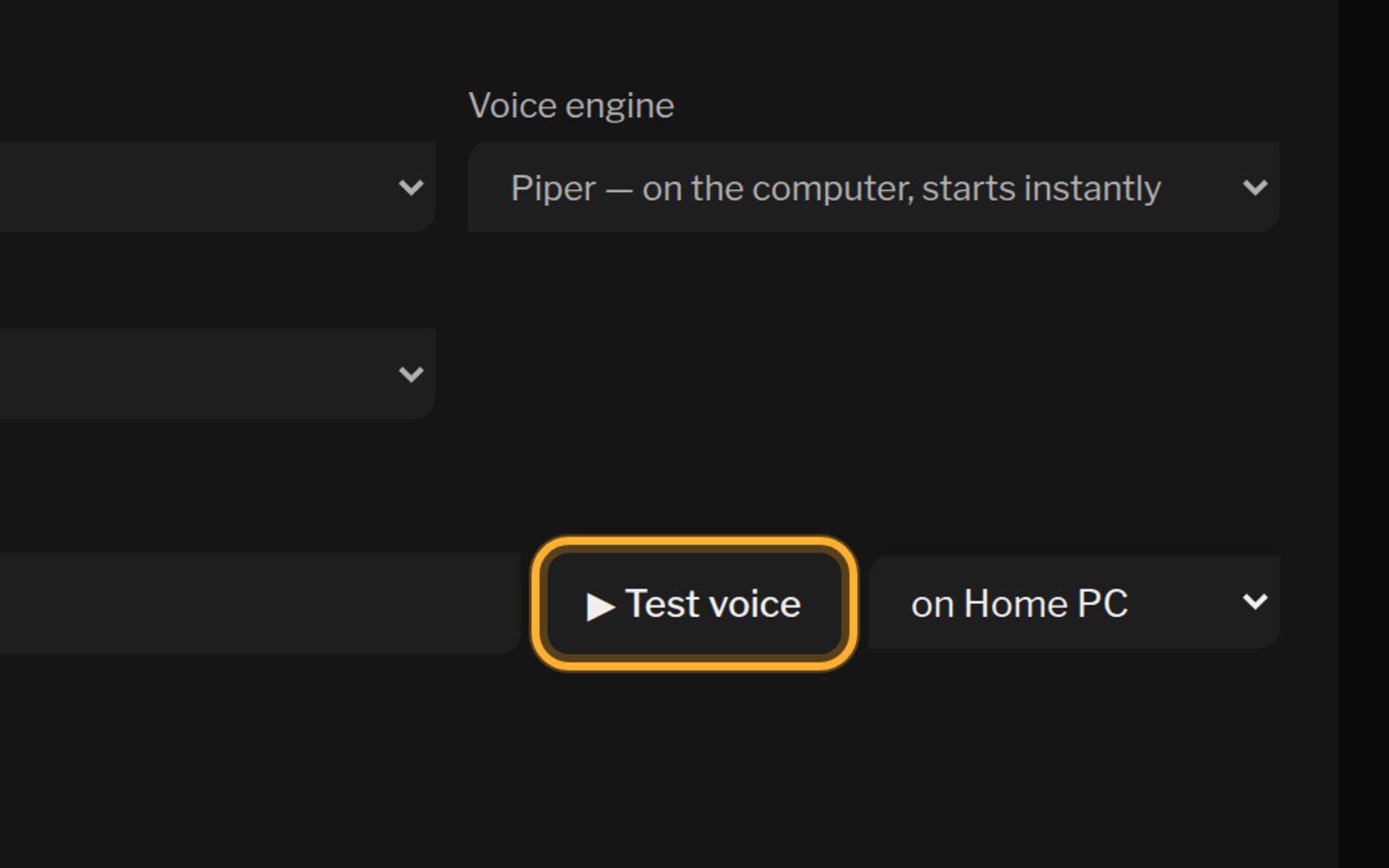
Close-up: Settings, Voice: pick the voice and the speed, and press “Test voice”.
Close-up · Download the picture

Step 2 of 3

Set a shortcut key, or a wake word such as “Hey Jarvis”, to talk to your computer from anywhere.
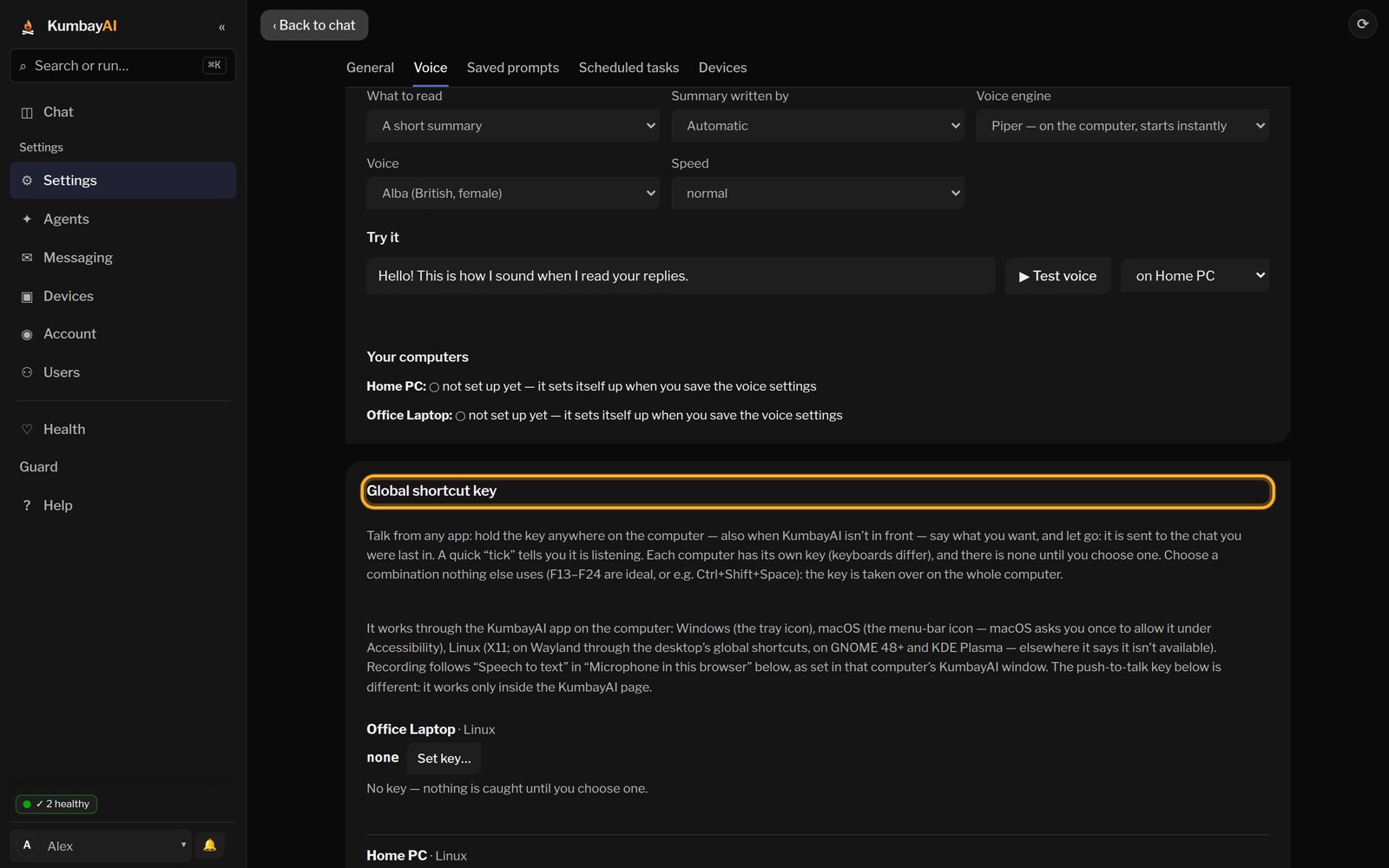
Set a shortcut key, or a wake word such as “Hey Jarvis”, to talk to your computer from anywhere.
The screen · Download the picture

Step 3 of 3

In a chat, press the microphone and speak. Answers can be read aloud.
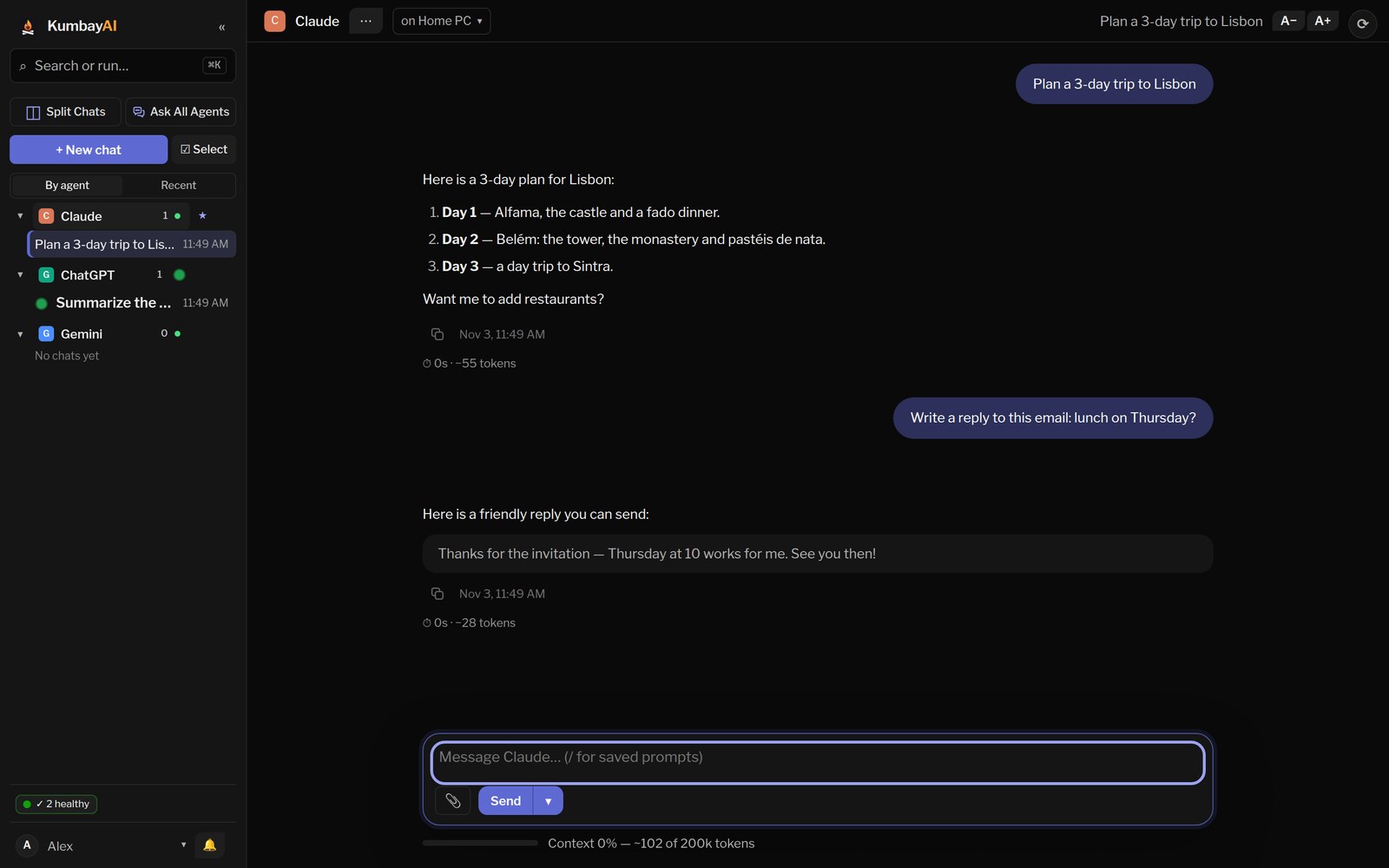
In a chat, press the microphone and speak. Answers can be read aloud.
The screen · Download the picture