Your account and privacy

Two-factor sign-in, your recovery key, and connecting claude.ai.

Download the video · the pictures come from a demo account, so the names and chats in them are examples.

Step 1 of 3

Account, Profile and security: your password and two-factor sign-in, with an authenticator app, a code by email or a passkey.
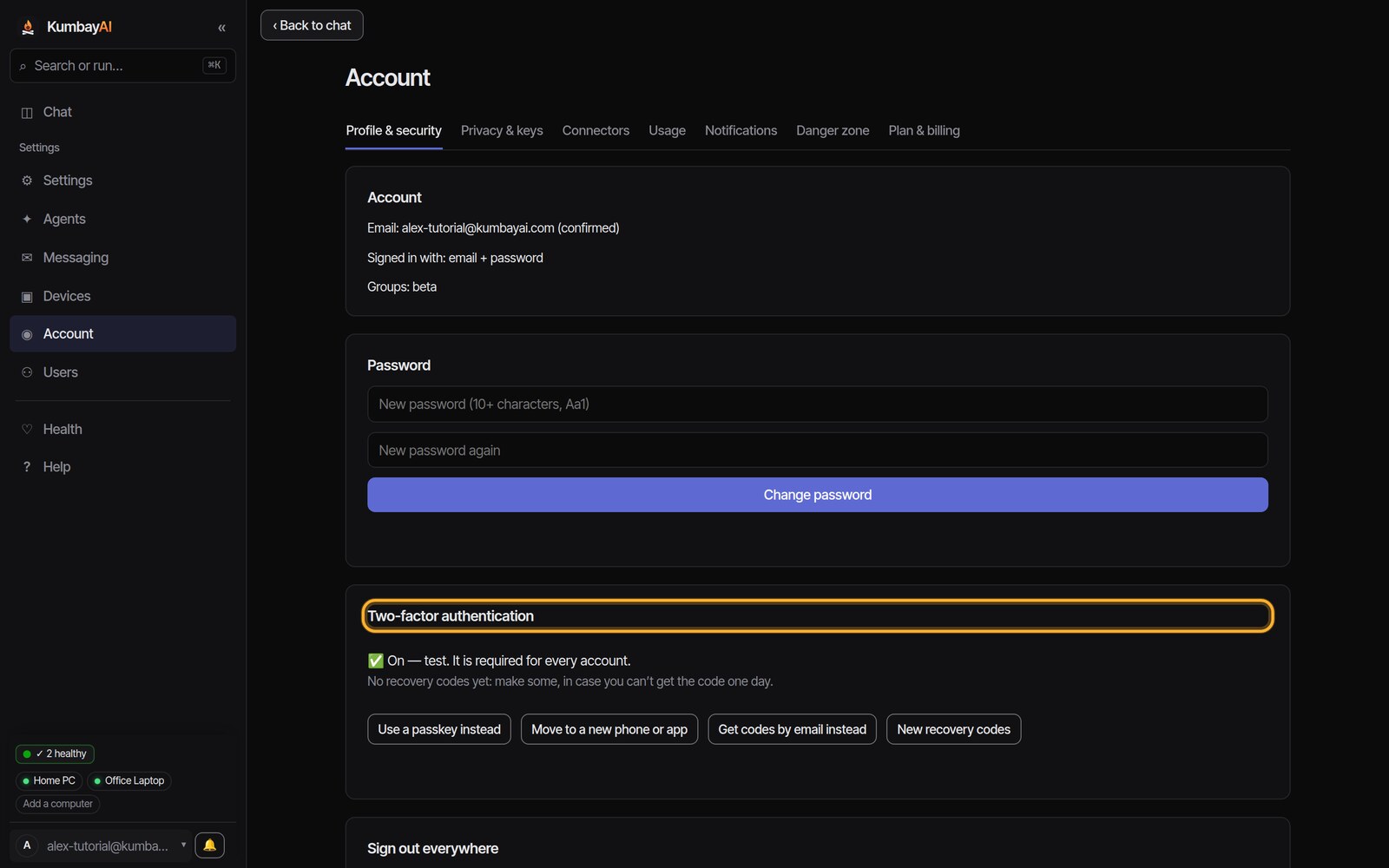
Account, Profile and security: your password and two-factor sign-in, with an authenticator app, a code by email or a passkey.
The screen · Download the picture

Step 2 of 3

Privacy and keys: add a passkey, and save your recovery key, without it, your backups can’t be opened if your computers are lost.
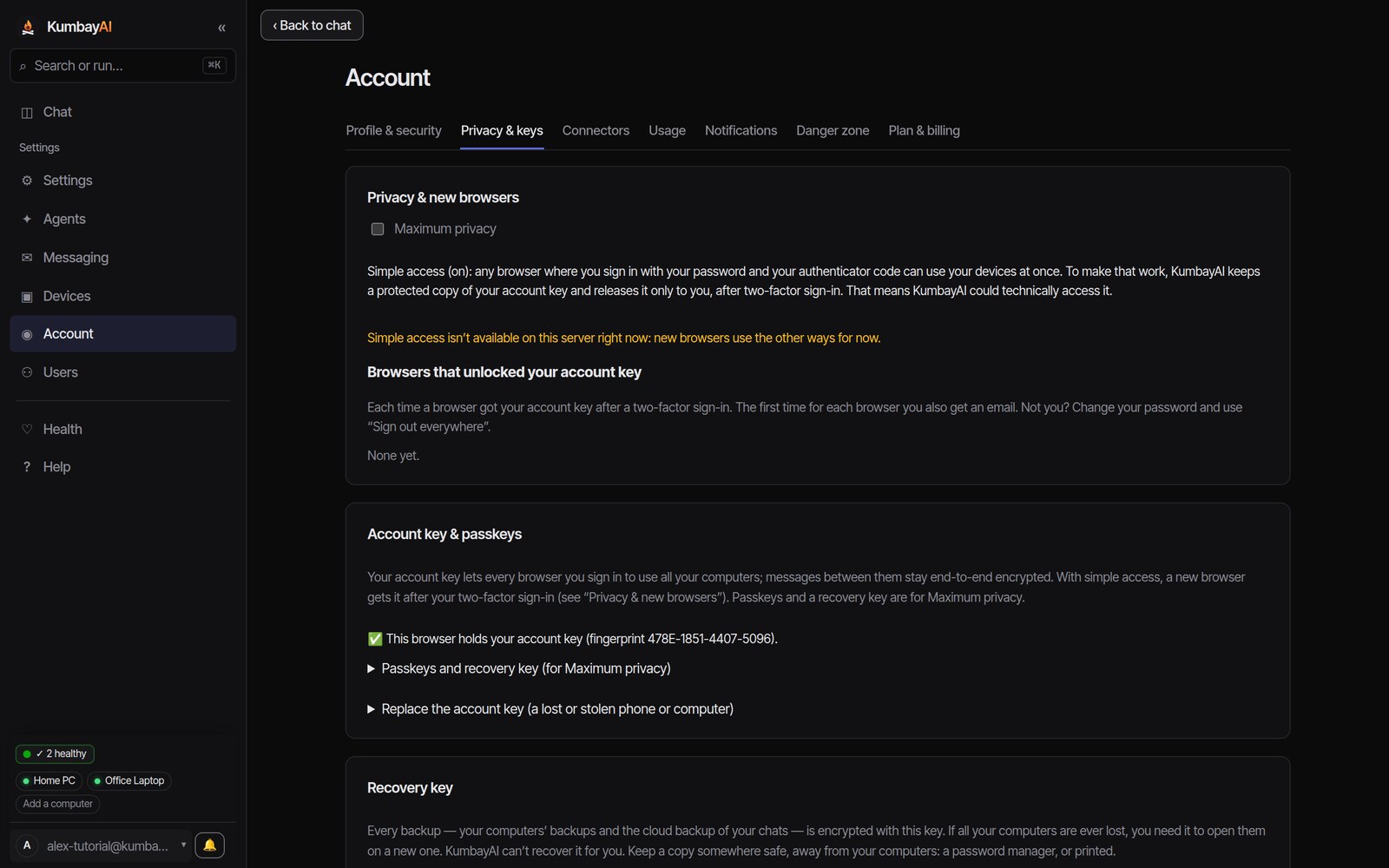
Privacy and keys: add a passkey, and save your recovery key, without it, your backups can’t be opened if your computers are lost.
The screen · Download the picture
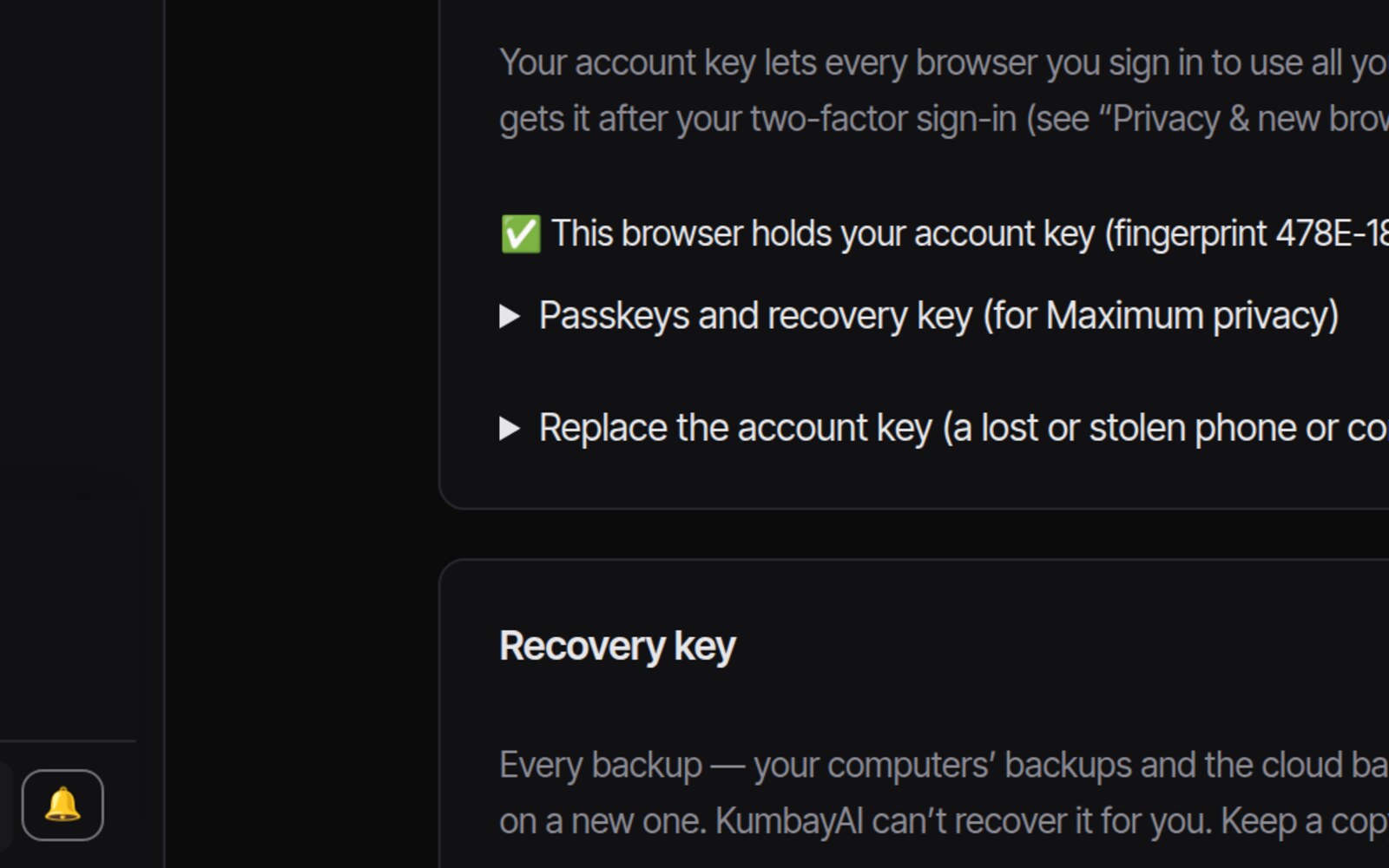
Close-up: Privacy and keys: add a passkey, and save your recovery key, without it, your backups can’t be opened if your computers are lost.
Close-up · Download the picture

Step 3 of 3

Connectors: use your computers from claude.ai, with the KumbayAI connector.
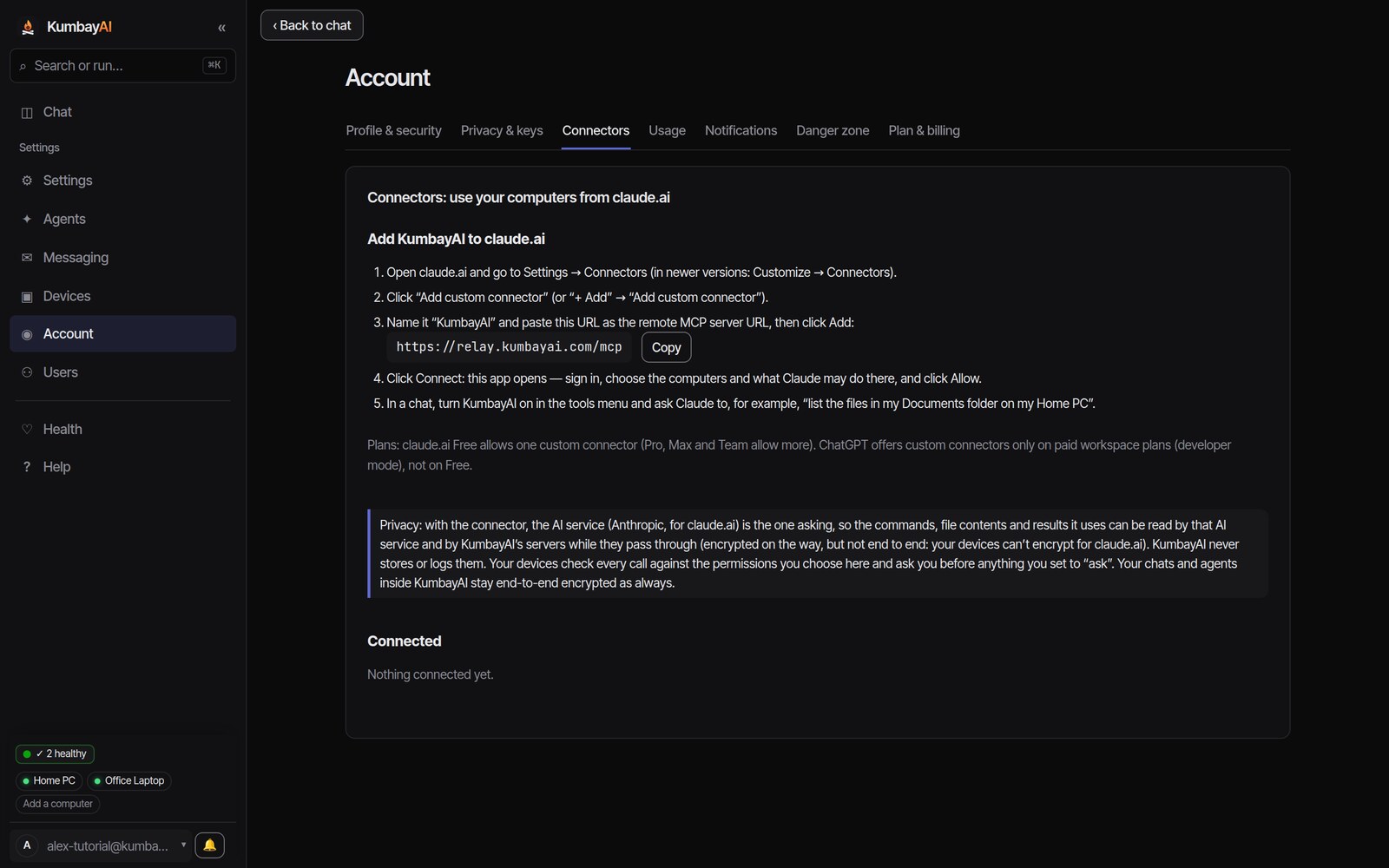
Connectors: use your computers from claude.ai, with the KumbayAI connector.
The screen · Download the picture