Shared projects (Company)

Work with colleagues in a shared space with its own chats, files and memory, private to the people you invite.

Step 1 of 4

Open Projects in the menu (Business companies only), type a name for the new project and press “Create”.
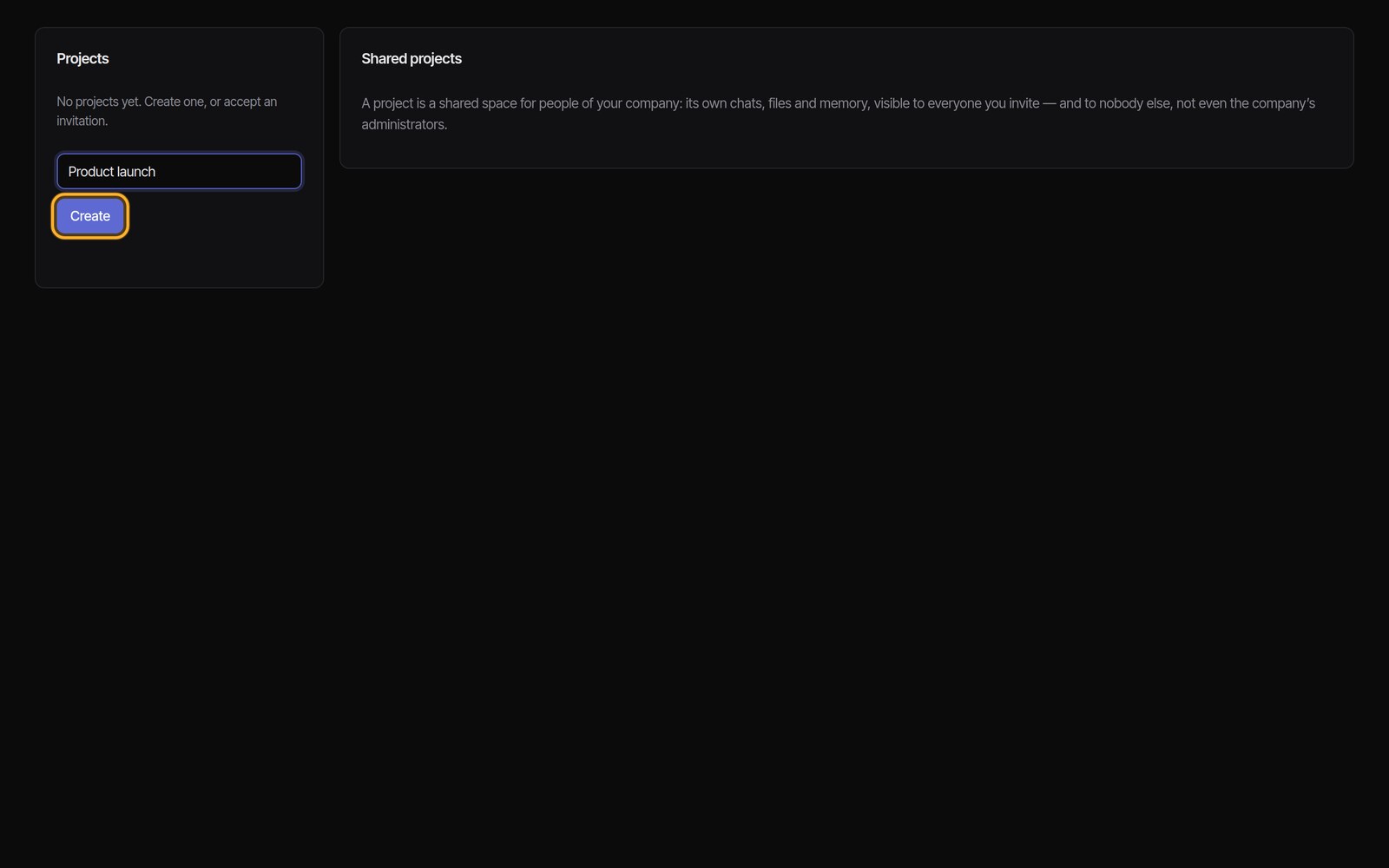
Open Projects in the menu (Business companies only), type a name for the new project and press “Create”.
The screen · Download the picture
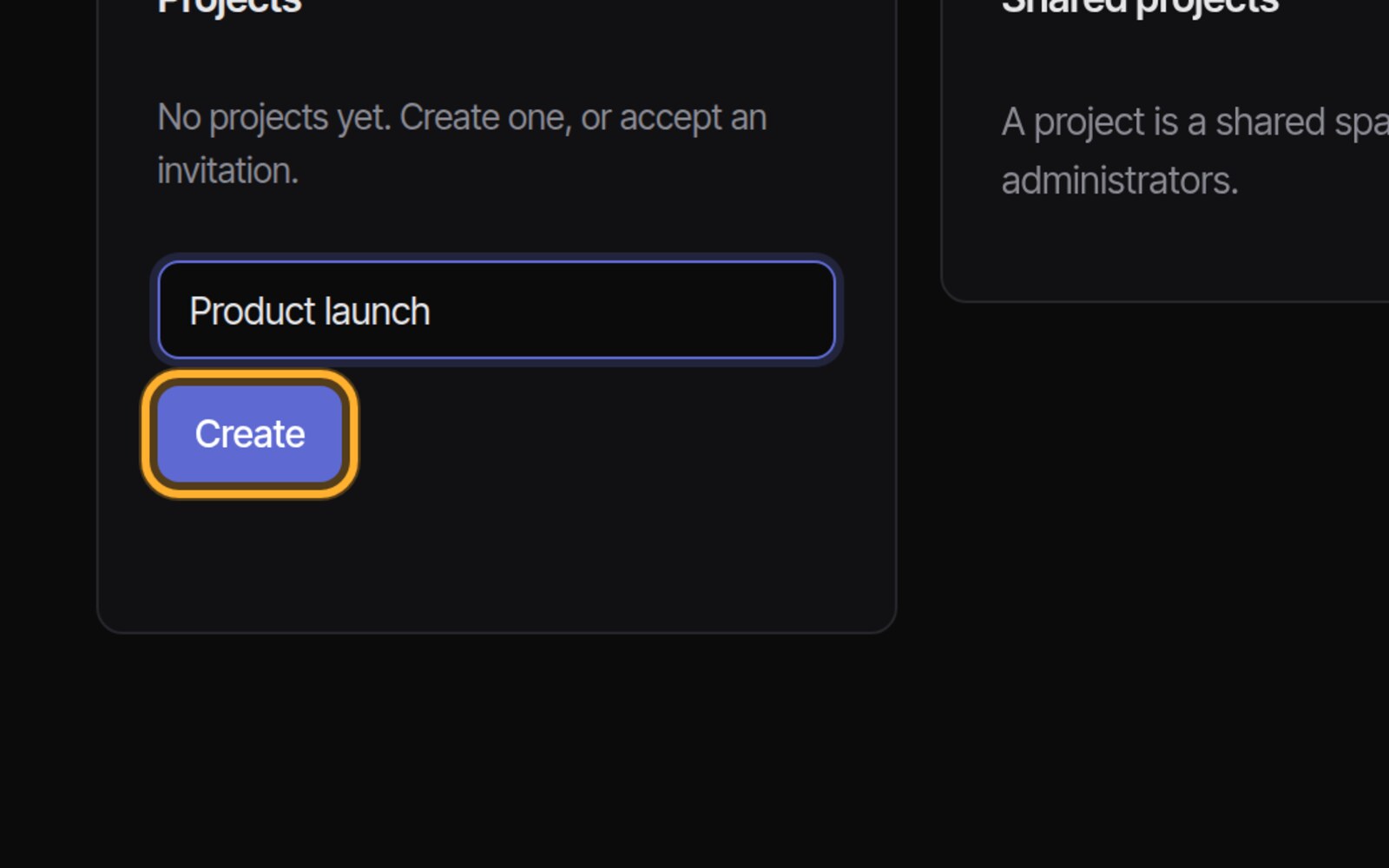
Close-up: Open Projects in the menu (Business companies only), type a name for the new project and press “Create”.
Close-up · Download the picture

Step 2 of 4

On the Members tab, pick a colleague from your company and send the invitation. They accept it on their own Projects page.
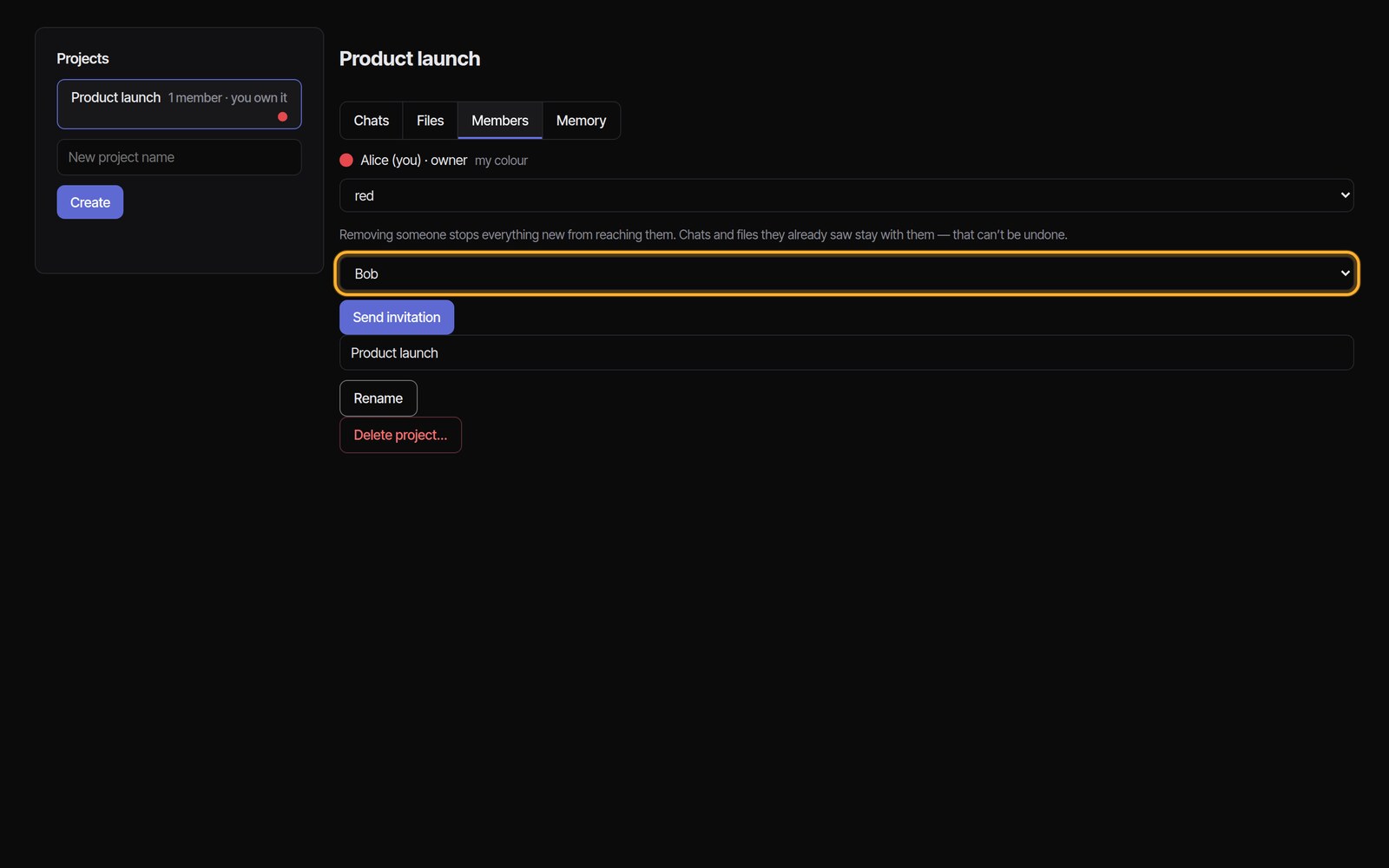
On the Members tab, pick a colleague from your company and send the invitation. They accept it on their own Projects page.
The screen · Download the picture

Step 3 of 4

Everyone in the project sees all of its chats. Each person’s messages, and the AI’s answers to them, have that person’s colour; every answer is written by the AI of the person who asked.
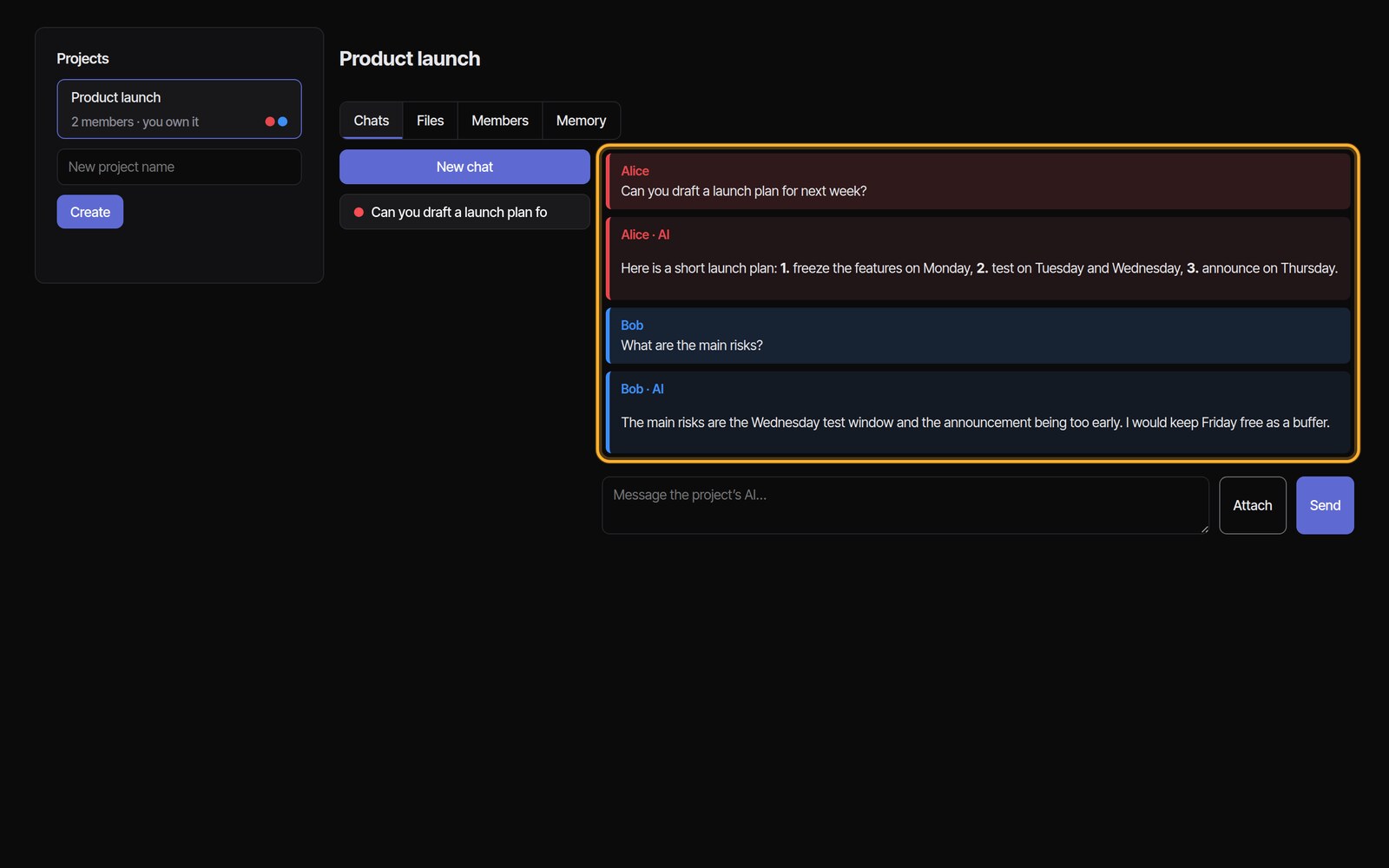
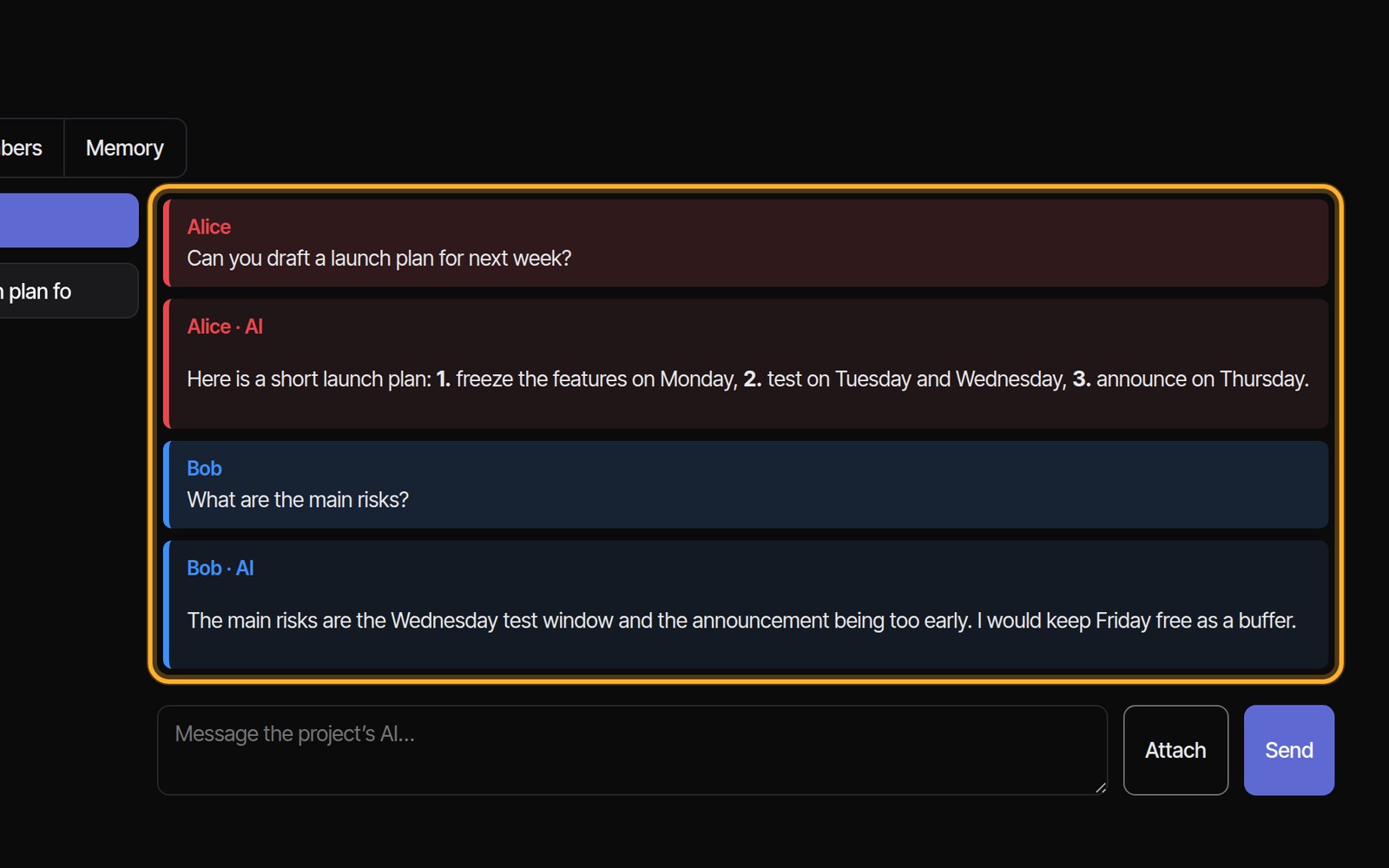
Everyone in the project sees all of its chats. Each person’s messages, and the AI’s answers to them, have that person’s colour; every answer is written by the AI of the person who asked.
The screen · Download the picture
Close-up: Everyone in the project sees all of its chats. Each person’s messages, and the AI’s answers to them, have that person’s colour; every answer is written by the AI of the person who asked.
Close-up · Download the picture

Step 4 of 4

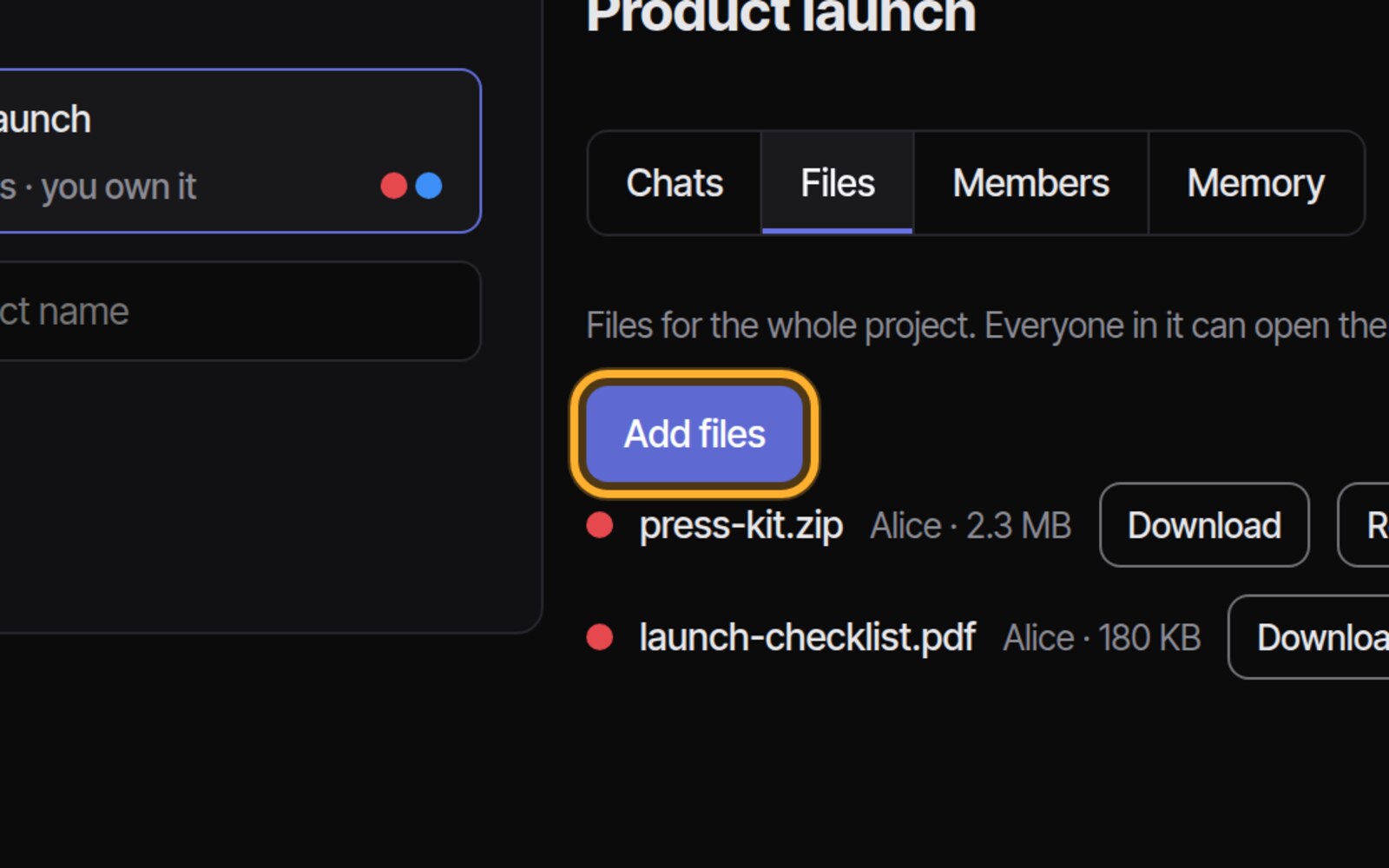
The Files tab is the project’s shared folder, and the Memory tab shows what the project’s AI has remembered. Nobody outside the project can open them, not even your company’s administrators.
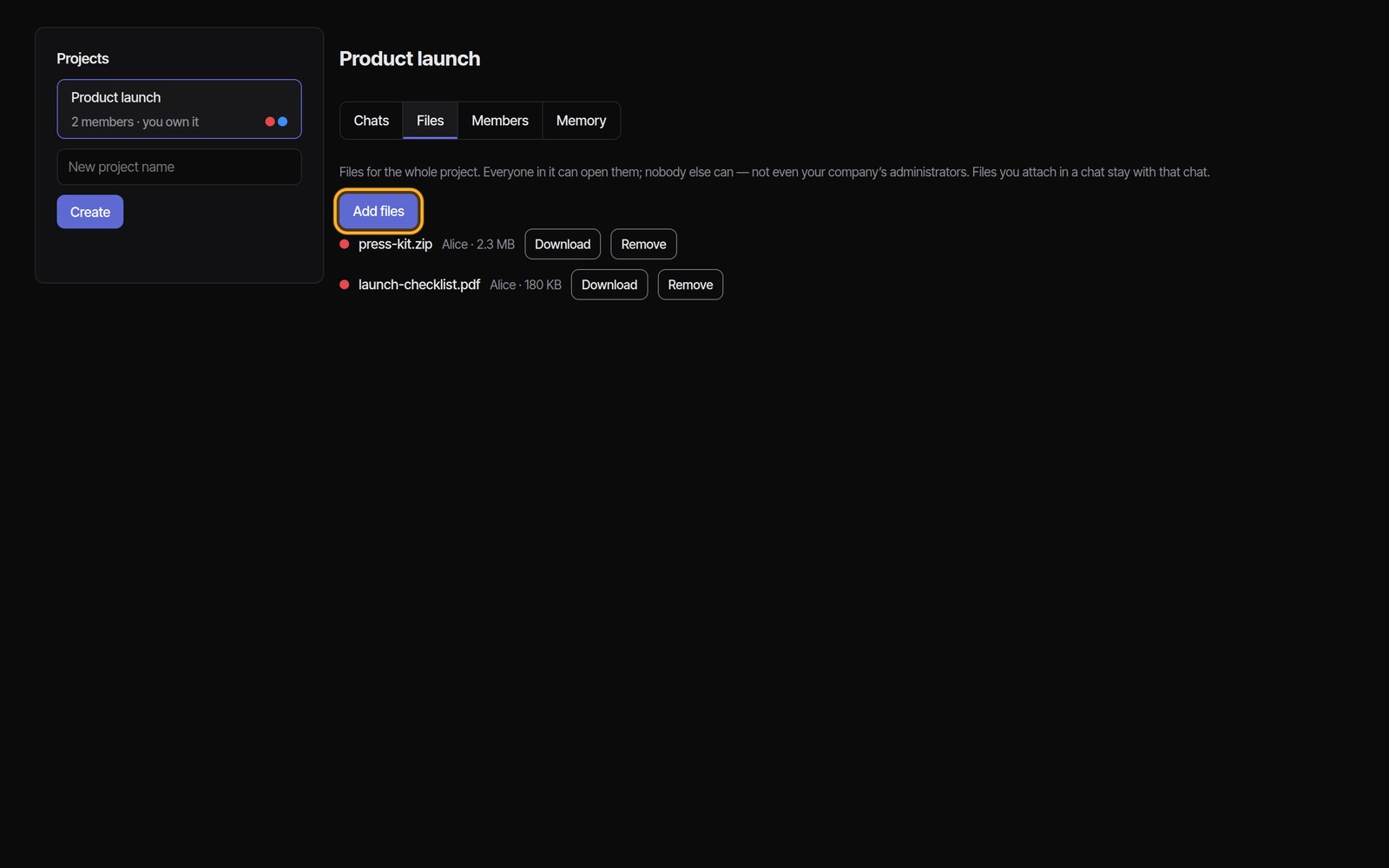
The Files tab is the project’s shared folder, and the Memory tab shows what the project’s AI has remembered. Nobody outside the project can open them, not even your company’s administrators.
The screen · Download the picture
Close-up: The Files tab is the project’s shared folder, and the Memory tab shows what the project’s AI has remembered. Nobody outside the project can open them, not even your company’s administrators.
Close-up · Download the picture