Make it yours

Light or dark, and your saved prompts.

Download the video · the pictures come from a demo account, so the names and chats in them are examples.

Step 1 of 2

Settings, General: choose light, dark or the system’s look.
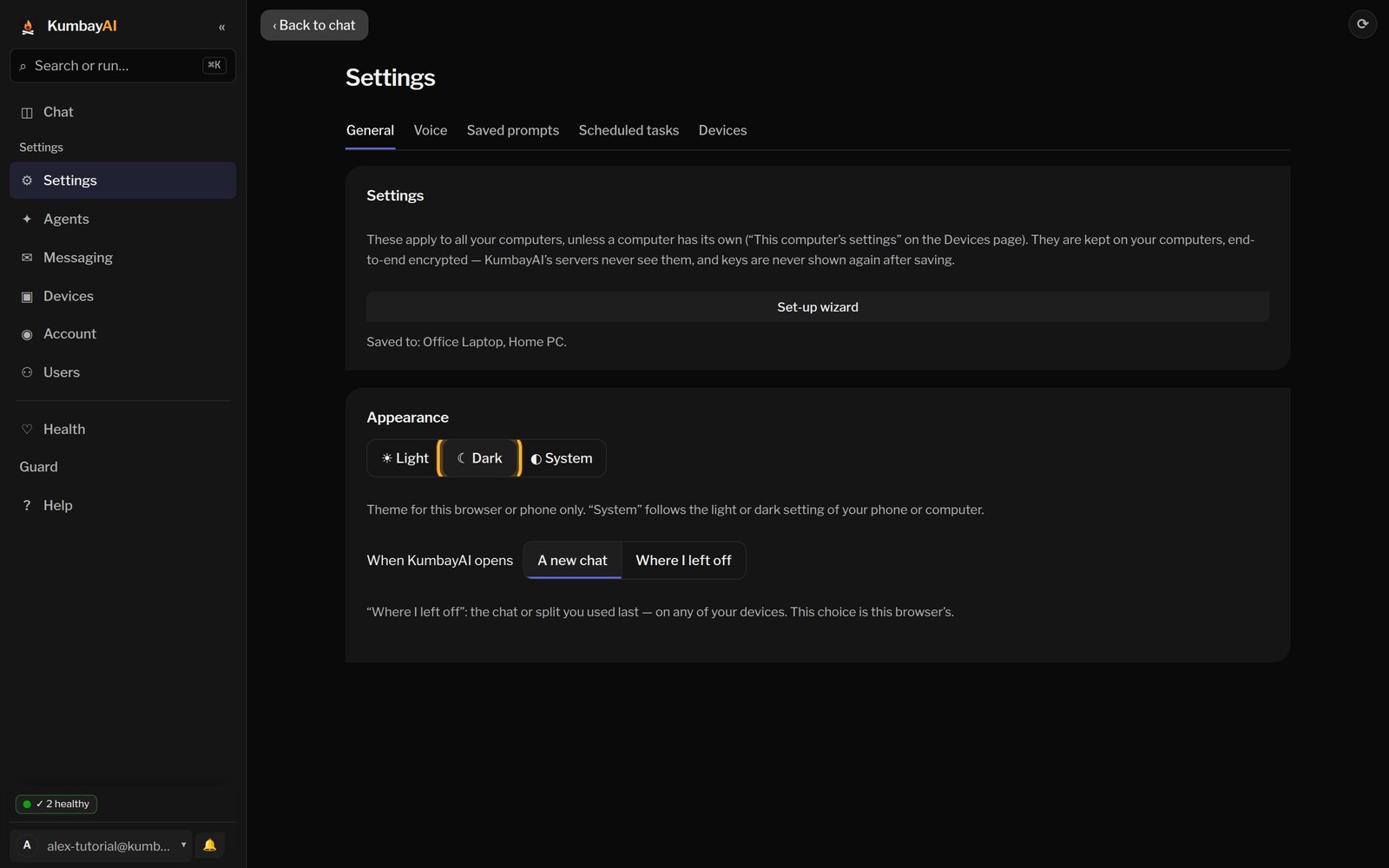
Settings, General: choose light, dark or the system’s look.
The screen · Download the picture
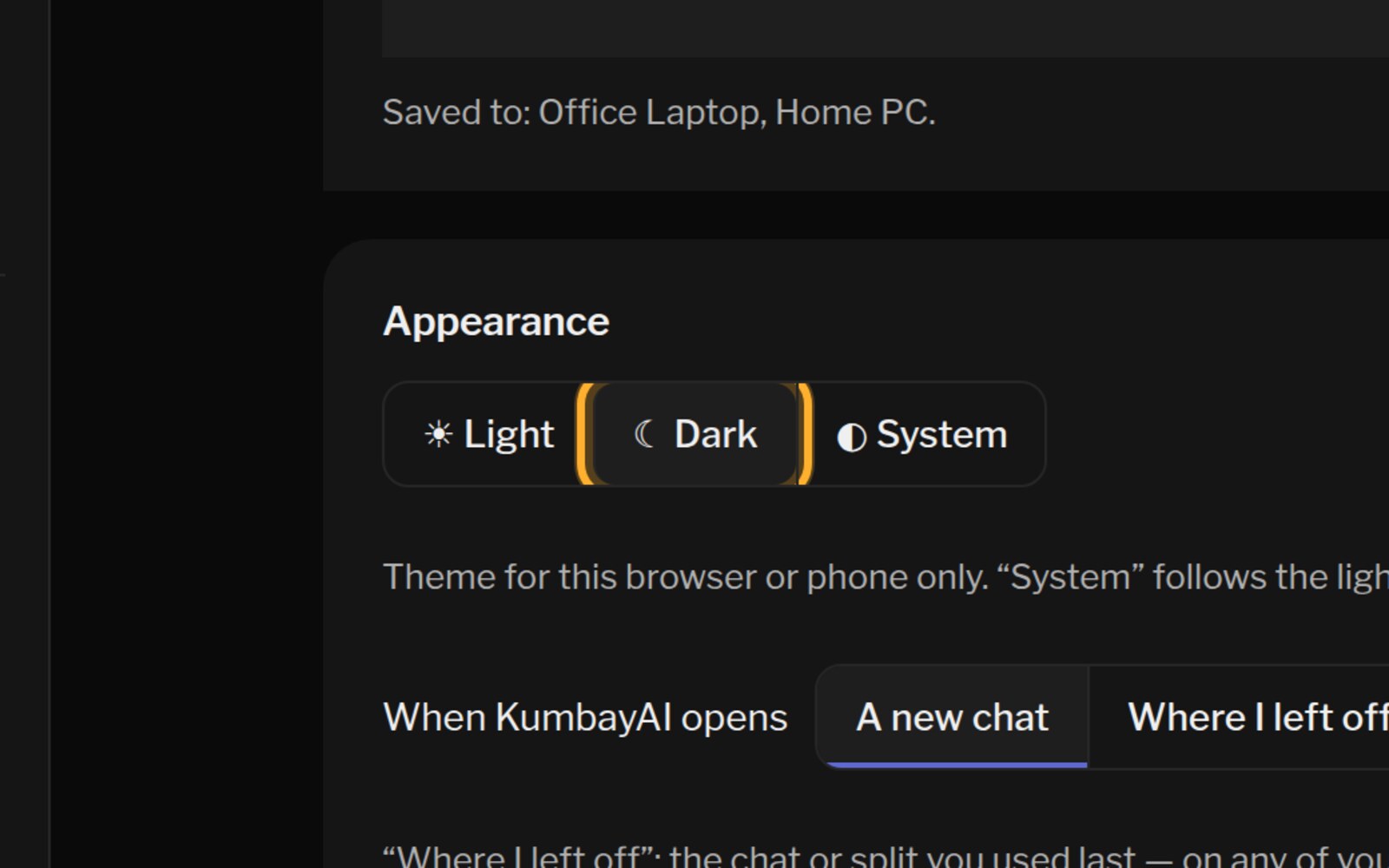
Close-up: Settings, General: choose light, dark or the system’s look.
Close-up · Download the picture

Step 2 of 2

Saved prompts: keep the messages you send often. Type a slash in the chat box to use one.
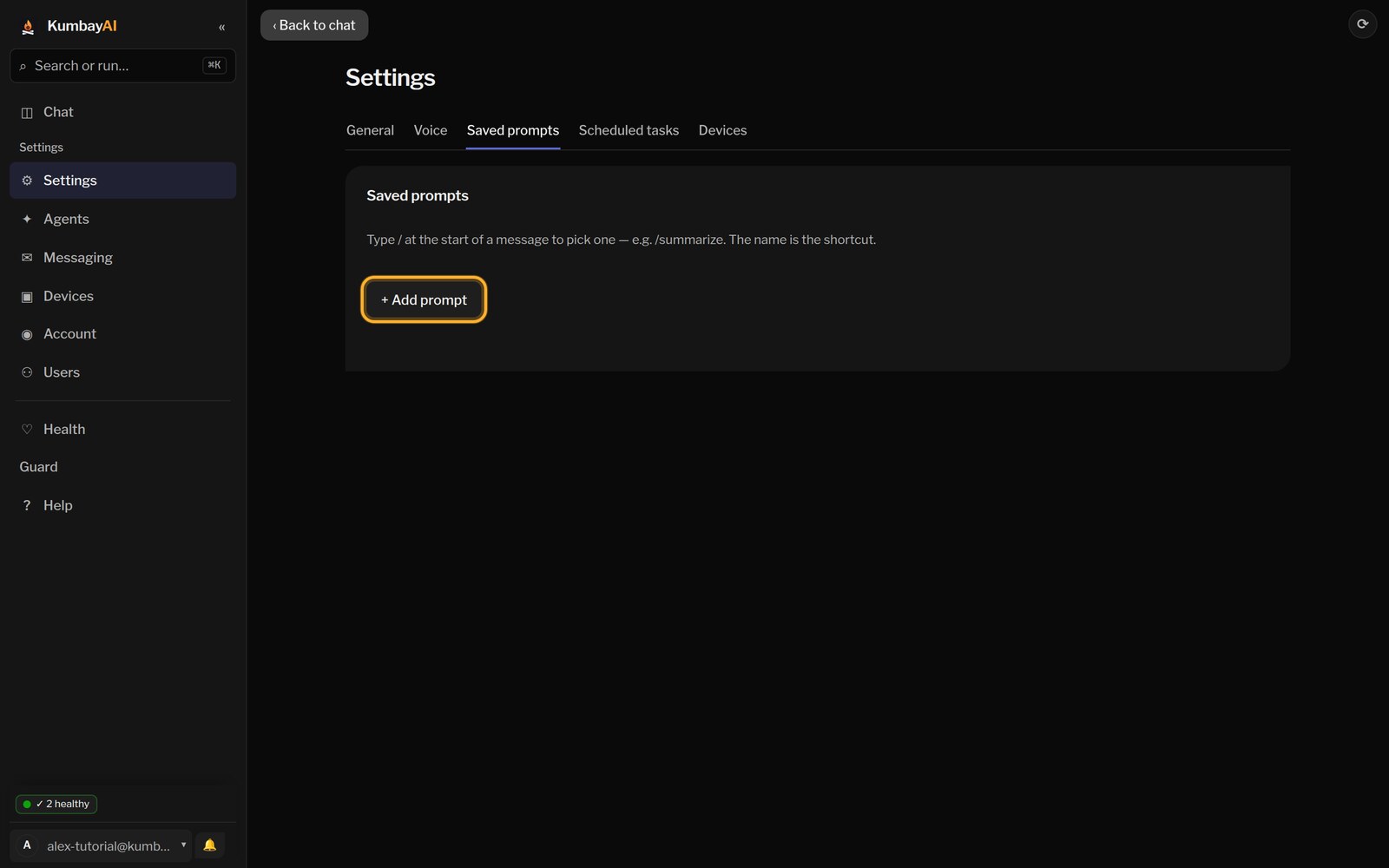
Saved prompts: keep the messages you send often. Type a slash in the chat box to use one.
The screen · Download the picture
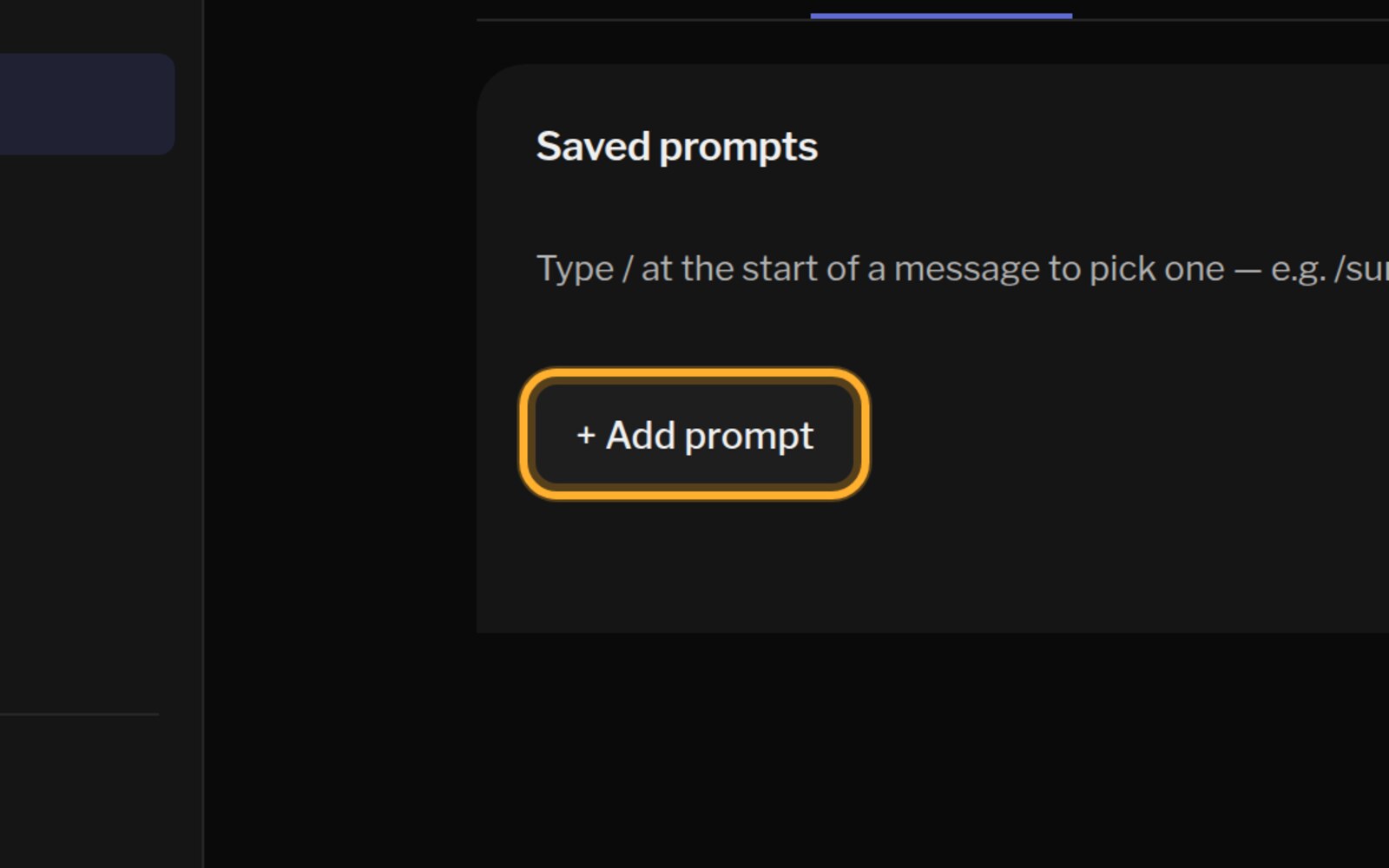
Close-up: Saved prompts: keep the messages you send often. Type a slash in the chat box to use one.
Close-up · Download the picture