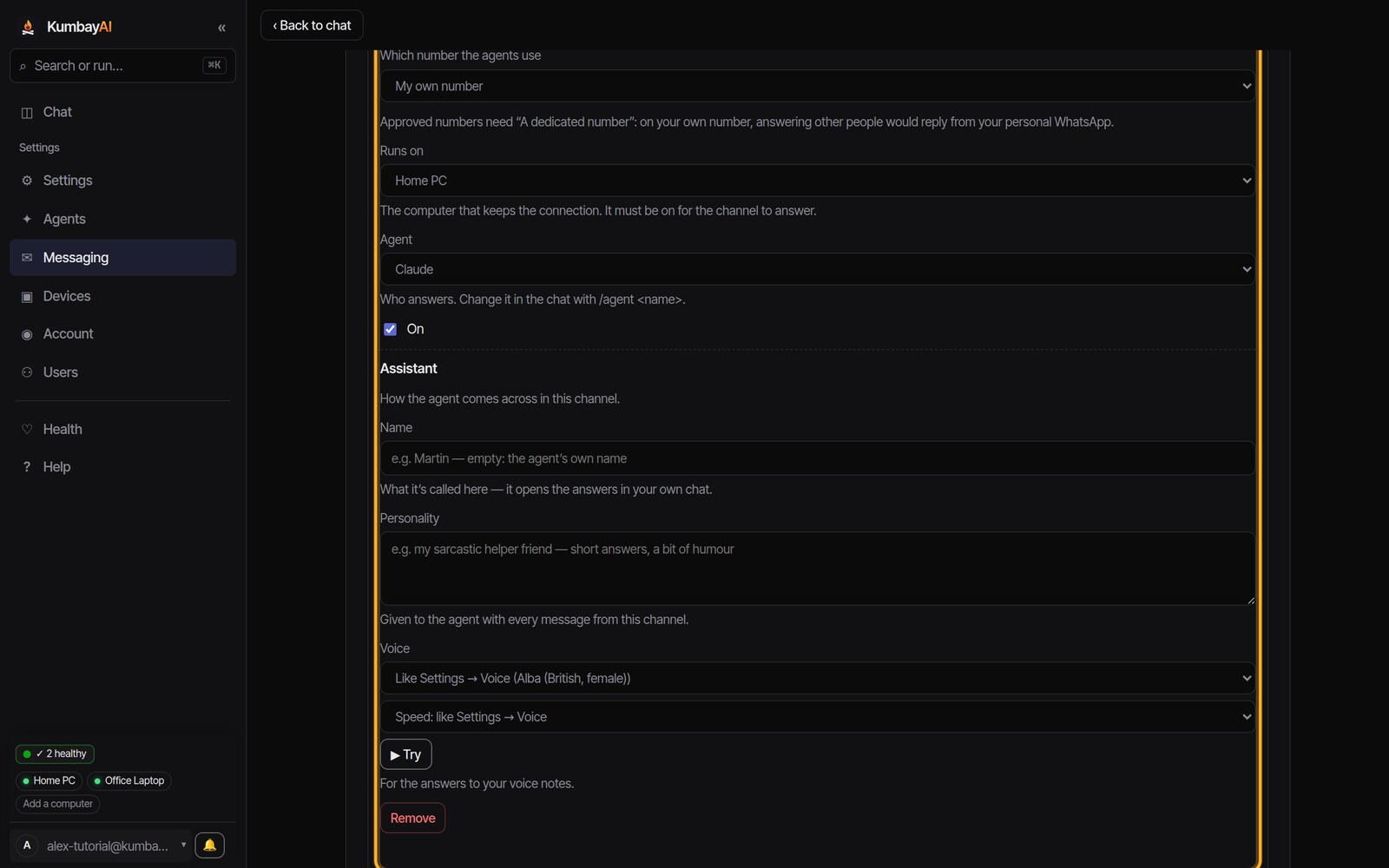
Messaging: WhatsApp, Telegram and more
Talk to your agents from the messaging apps on your phone.
Download the video · the pictures come from a demo account, so the names and chats in them are examples.
Step 1 of 3
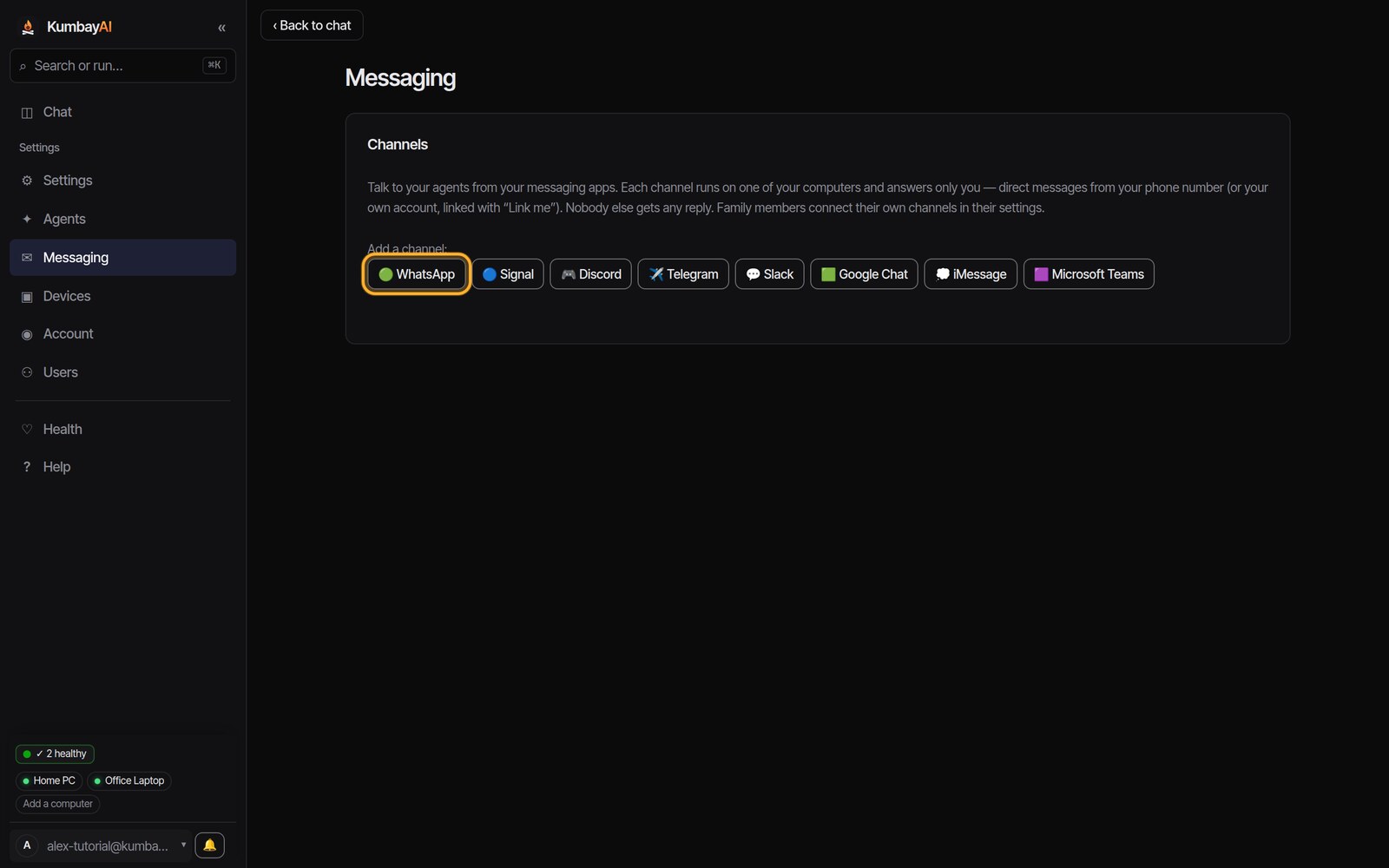
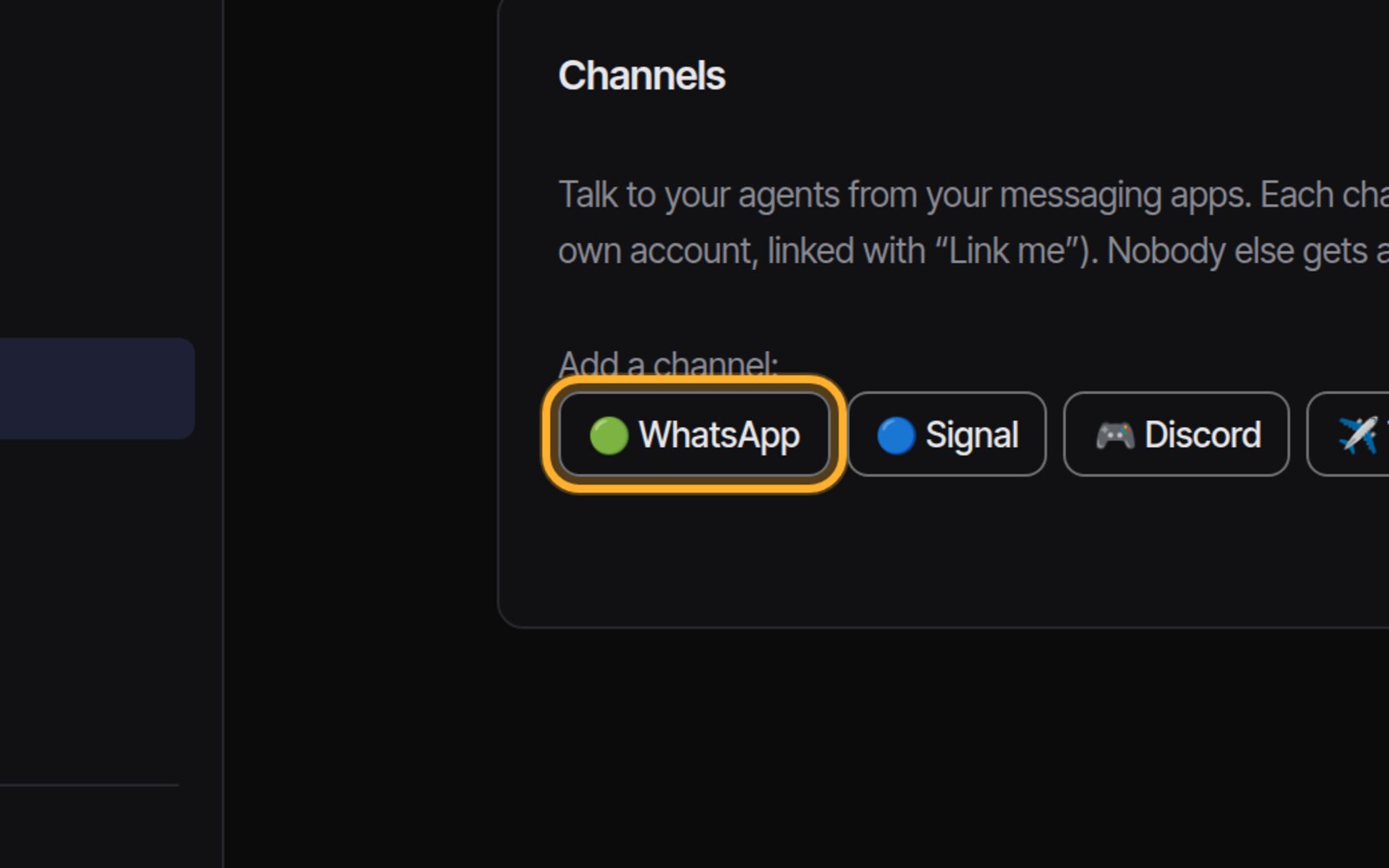
Open Settings, then Messaging, and pick an app: WhatsApp, Telegram, Signal, Slack, Discord, iMessage and others.
Step 2 of 3
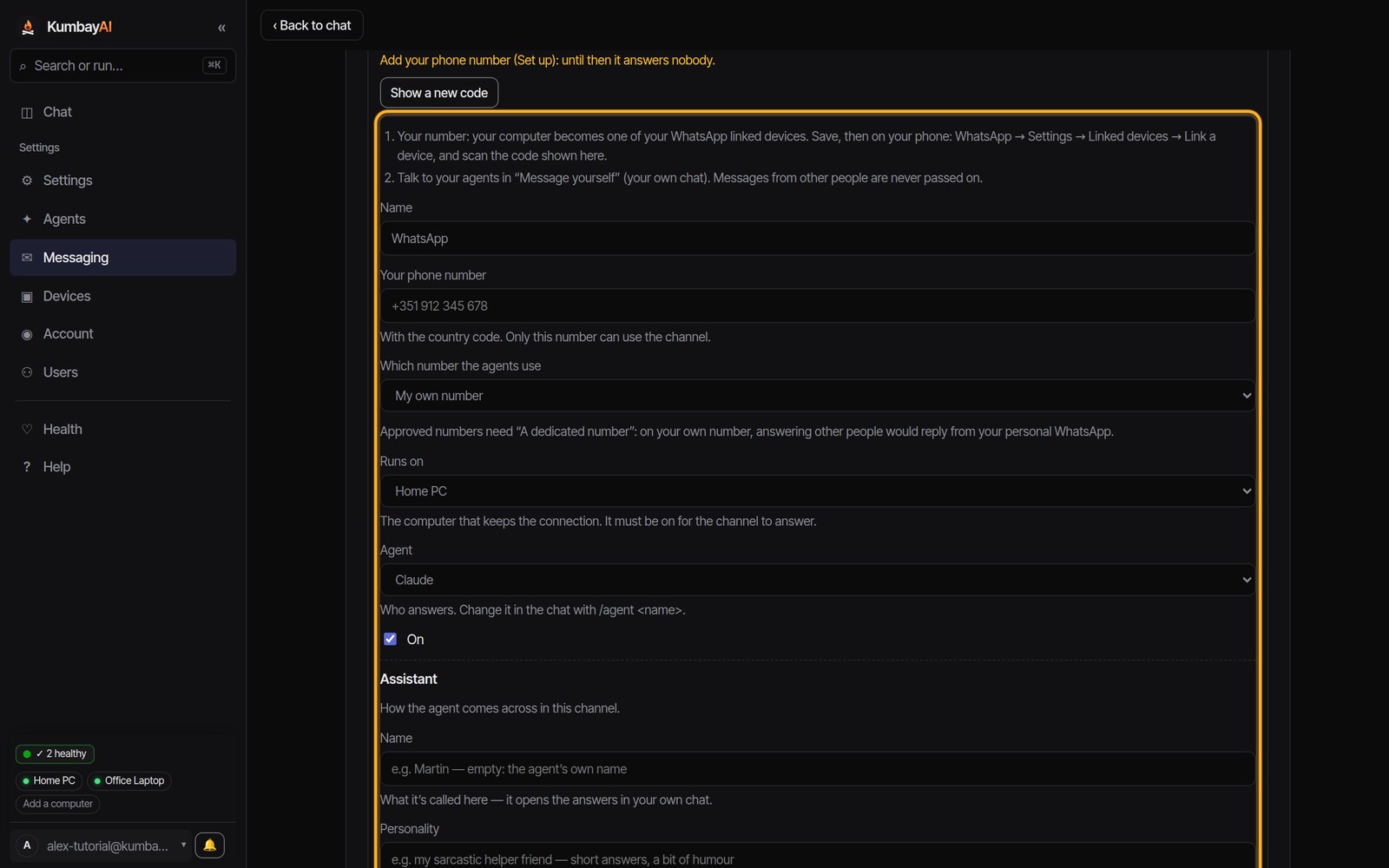
Follow the short guide on the screen. Add your phone number: the channel answers only you, and only on direct messages.
Step 3 of 3
Choose which computer runs it and which agent answers. Voice notes are answered by voice. Your conversations appear under “Messaging” in the chat list, and “Move to my chats” turns one into an ordinary chat.