Family and Business

Give each person their own login and private chats on your computers.

Download the video · the pictures come from a demo account, so the names and chats in them are examples.

Step 1 of 2

Open Settings, then Users. Type the person’s email and name.
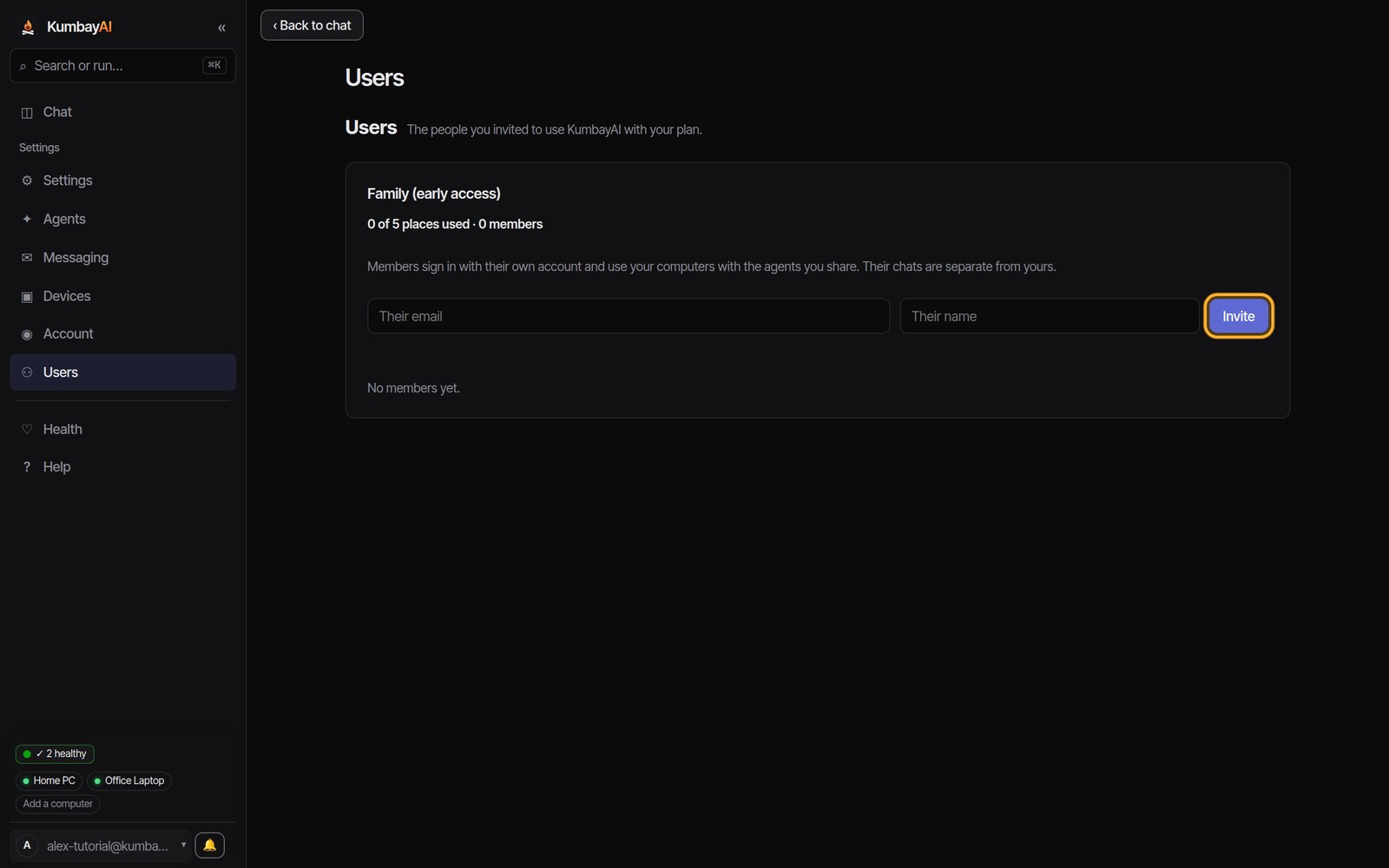
Open Settings, then Users. Type the person’s email and name.
The screen · Download the picture
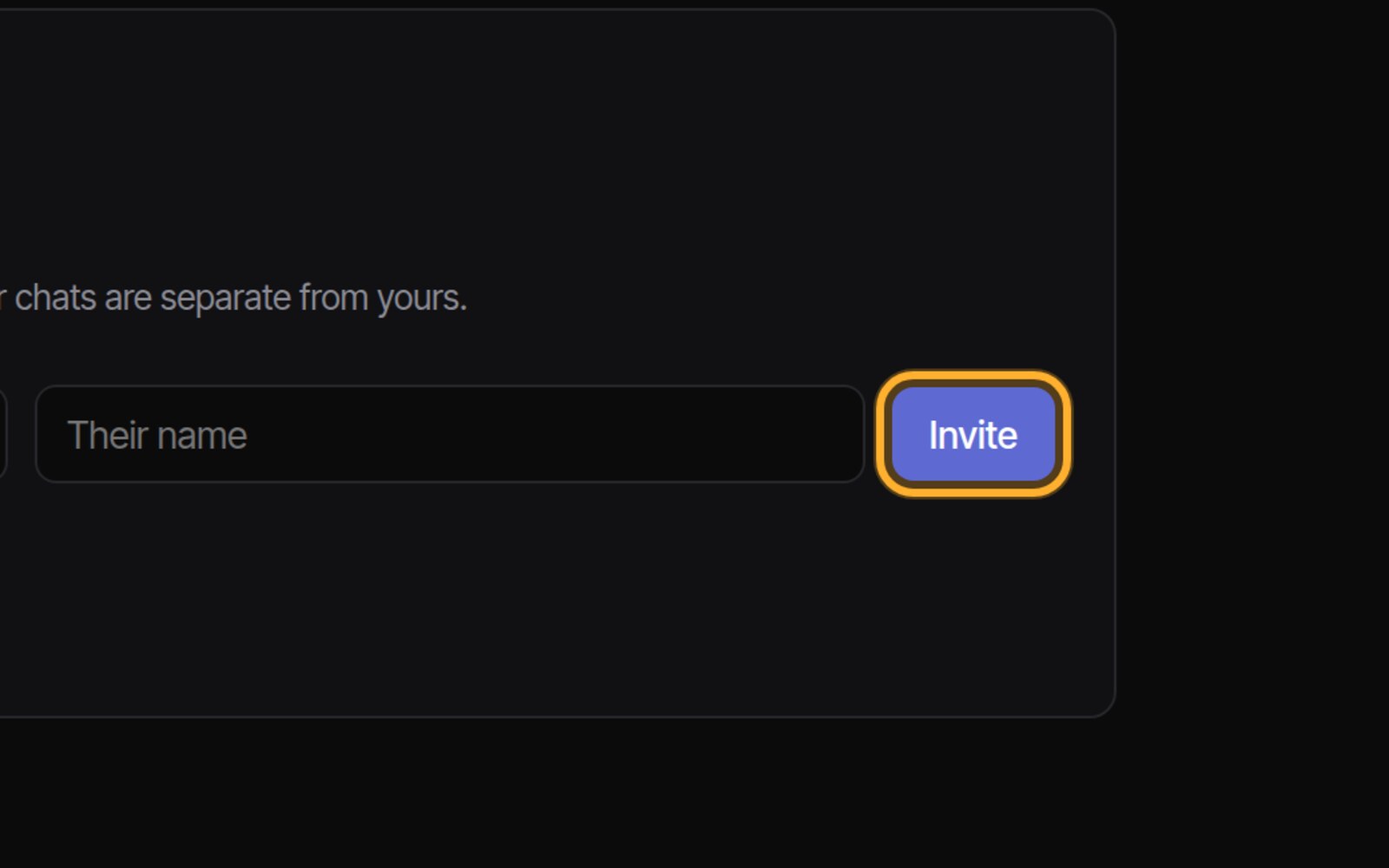
Close-up: Open Settings, then Users. Type the person’s email and name.
Close-up · Download the picture

Step 2 of 2

Press “Invite” and choose what they may do: their agents, which computers, and whether they use your AI accounts or their own. Their chats are private, you never see them.
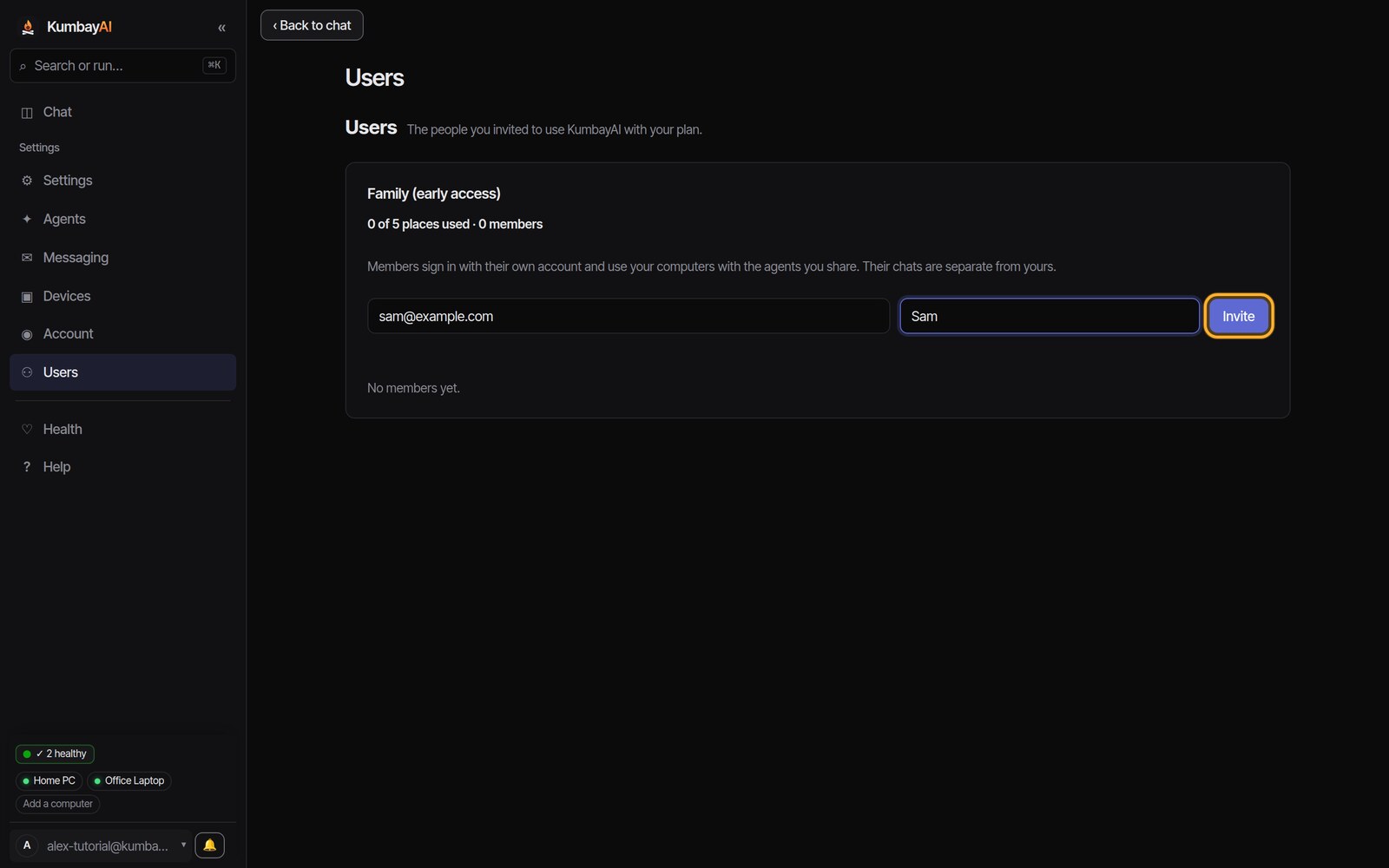
Press “Invite” and choose what they may do: their agents, which computers, and whether they use your AI accounts or their own. Their chats are private, you never see them.
The screen · Download the picture
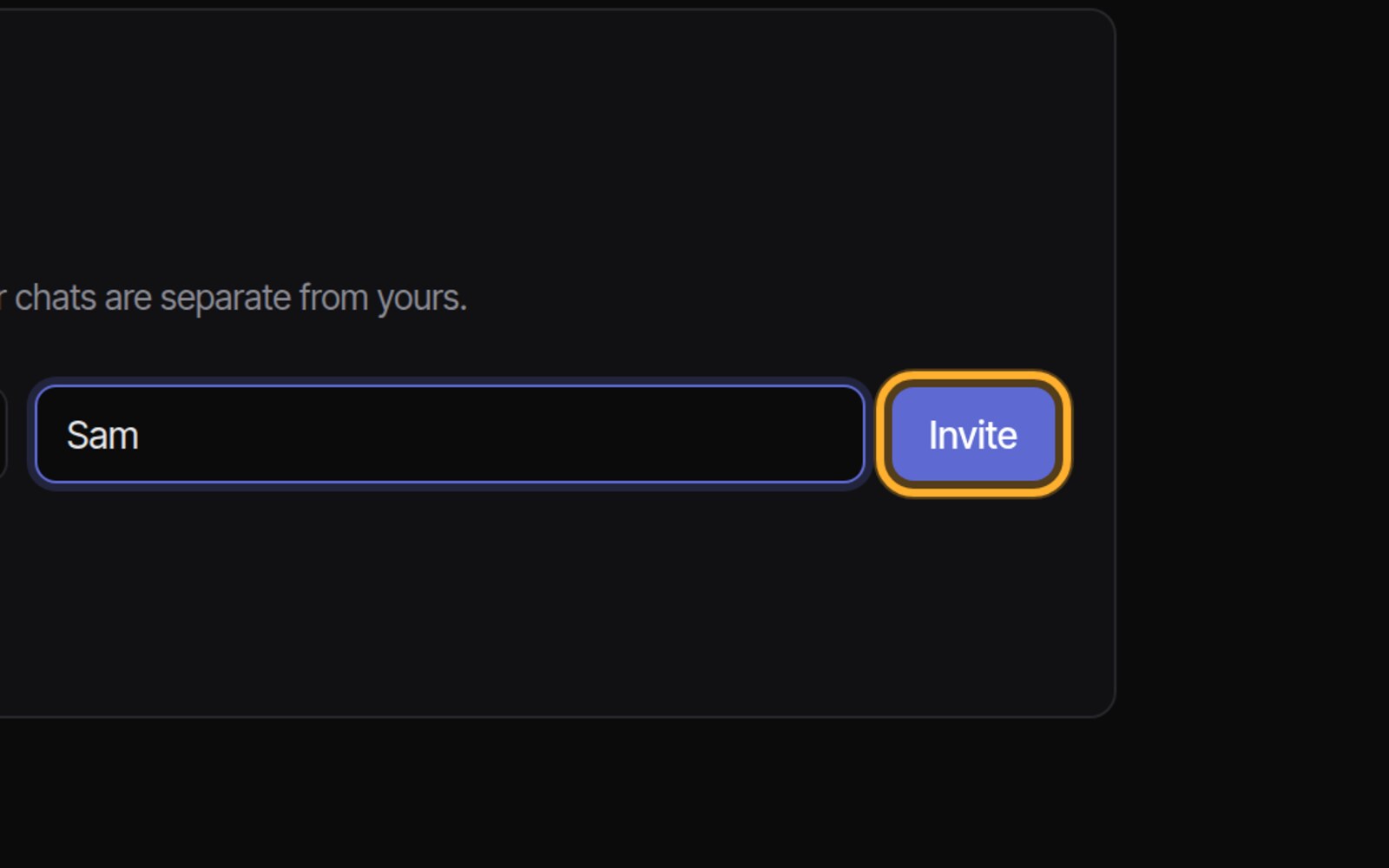
Close-up: Press “Invite” and choose what they may do: their agents, which computers, and whether they use your AI accounts or their own. Their chats are private, you never see them.
Close-up · Download the picture