Get started: your first computer

Install KumbayAI on a computer and link it to your account, so your agents can work there.

Download the video · the pictures come from a demo account, so the names and chats in them are examples.

Step 1 of 4

Sign in at app.kumbayai.com. A new account has no computer yet, so the Chat page starts with “Install KumbayAI on a computer”. Press that button.
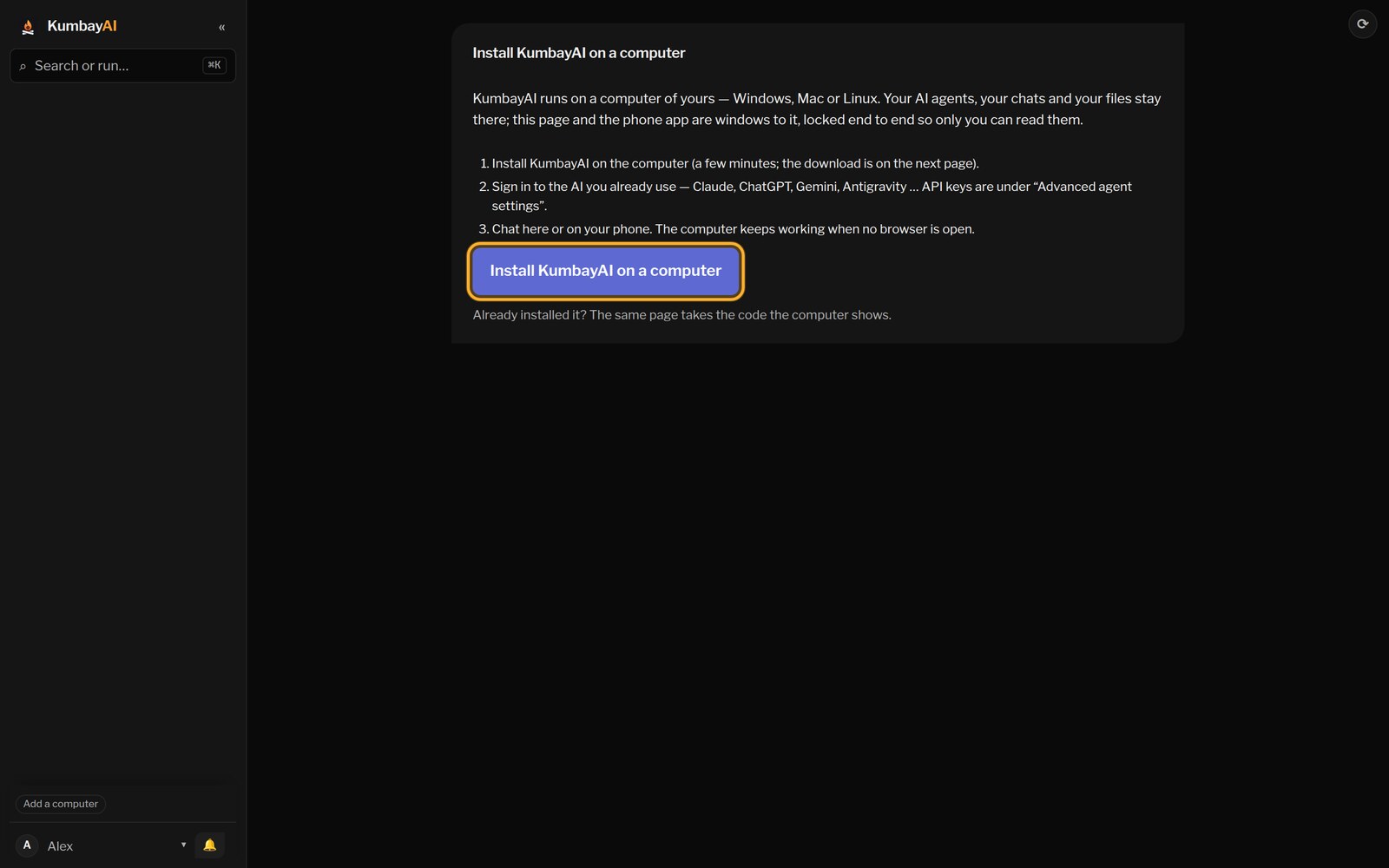
Sign in at app.kumbayai.com. A new account has no computer yet, so the Chat page starts with “Install KumbayAI on a computer”. Press that button.
The screen · Download the picture
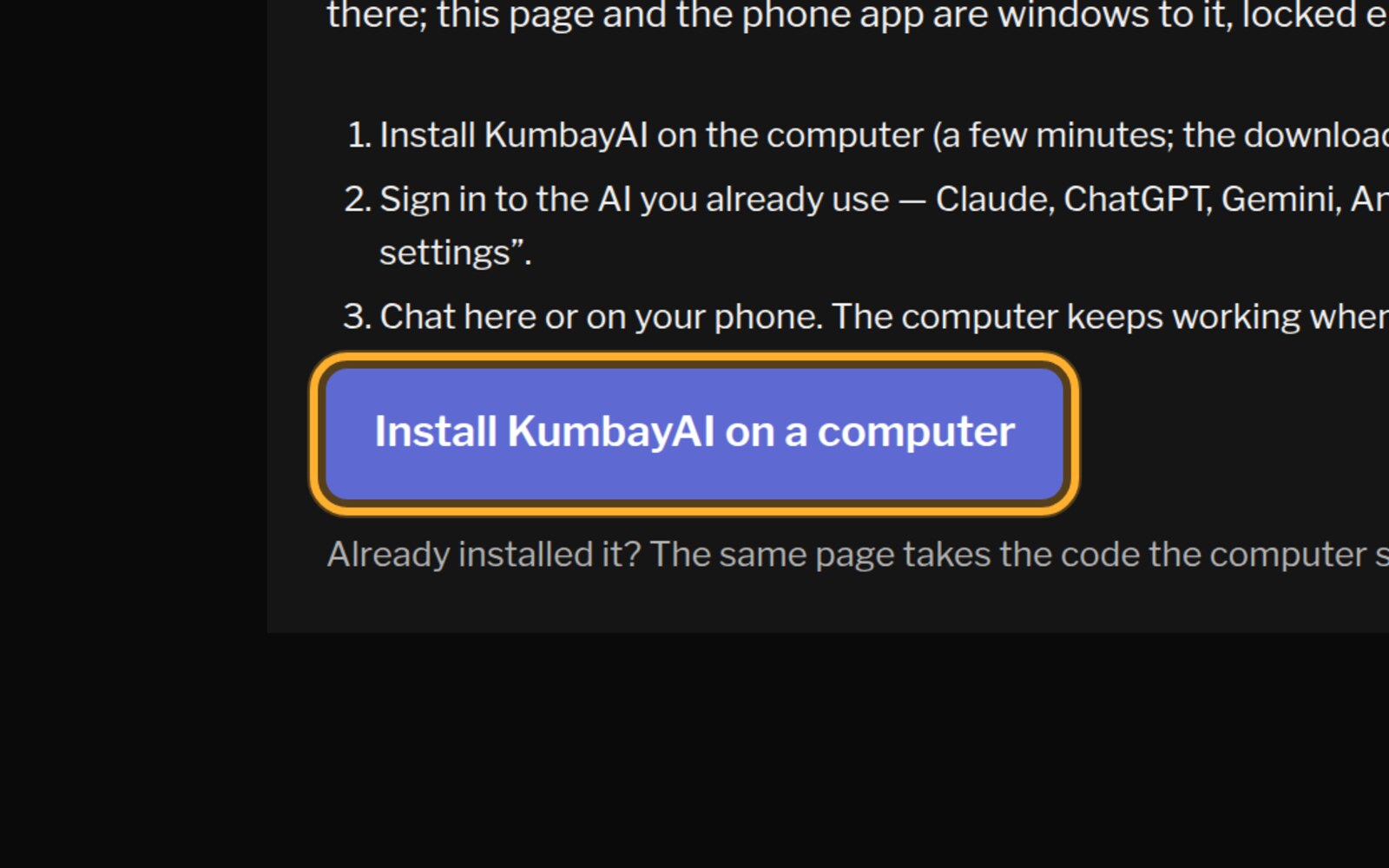
Close-up: Sign in at app.kumbayai.com. A new account has no computer yet, so the Chat page starts with “Install KumbayAI on a computer”. Press that button.
Close-up · Download the picture

Step 2 of 4

The Add a computer page opens. Pick the computer’s system: Windows, macOS, Linux, Docker or Raspberry Pi. Then download the installer, or copy the command.
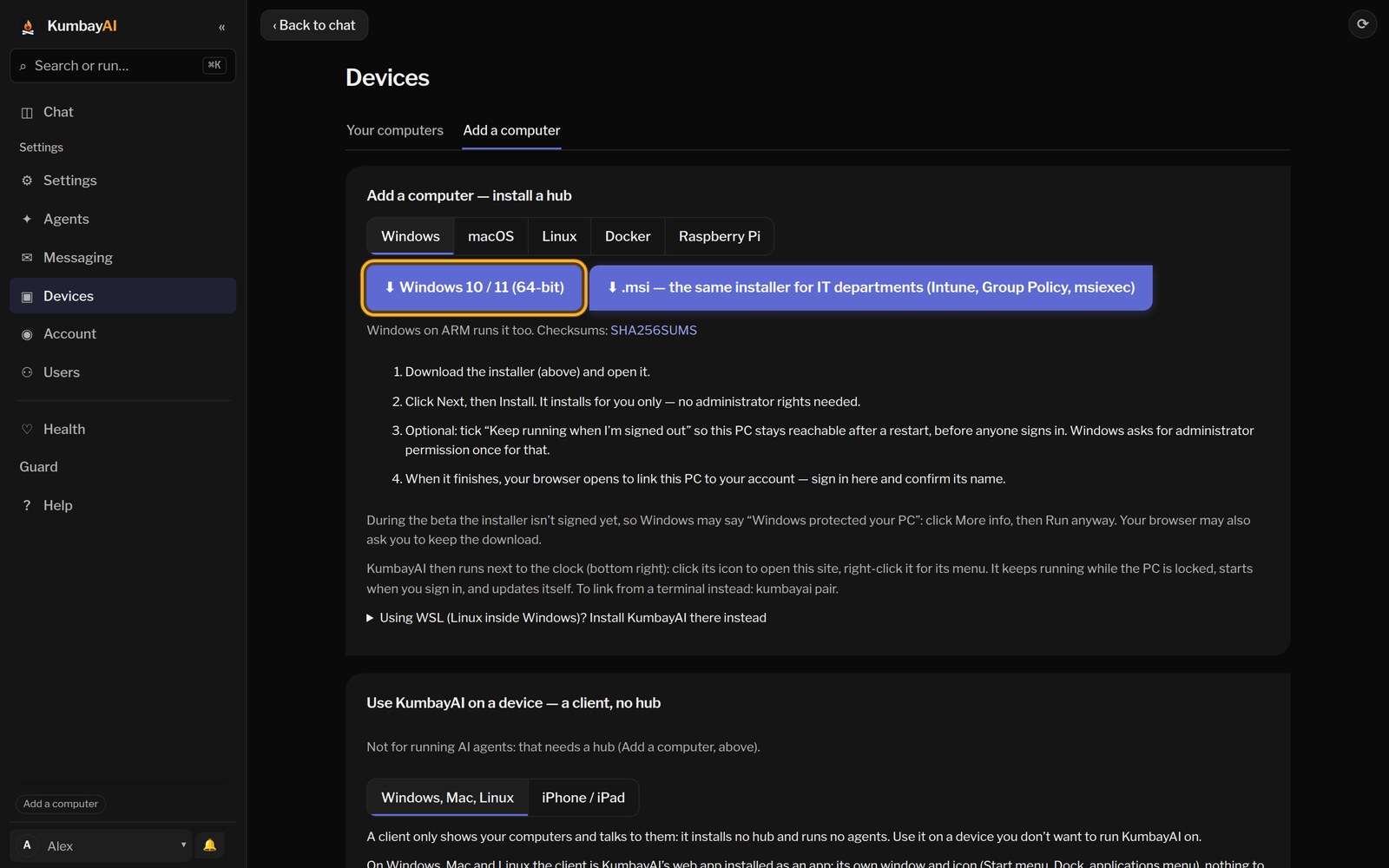
The Add a computer page opens. Pick the computer’s system: Windows, macOS, Linux, Docker or Raspberry Pi. Then download the installer, or copy the command.
The screen · Download the picture
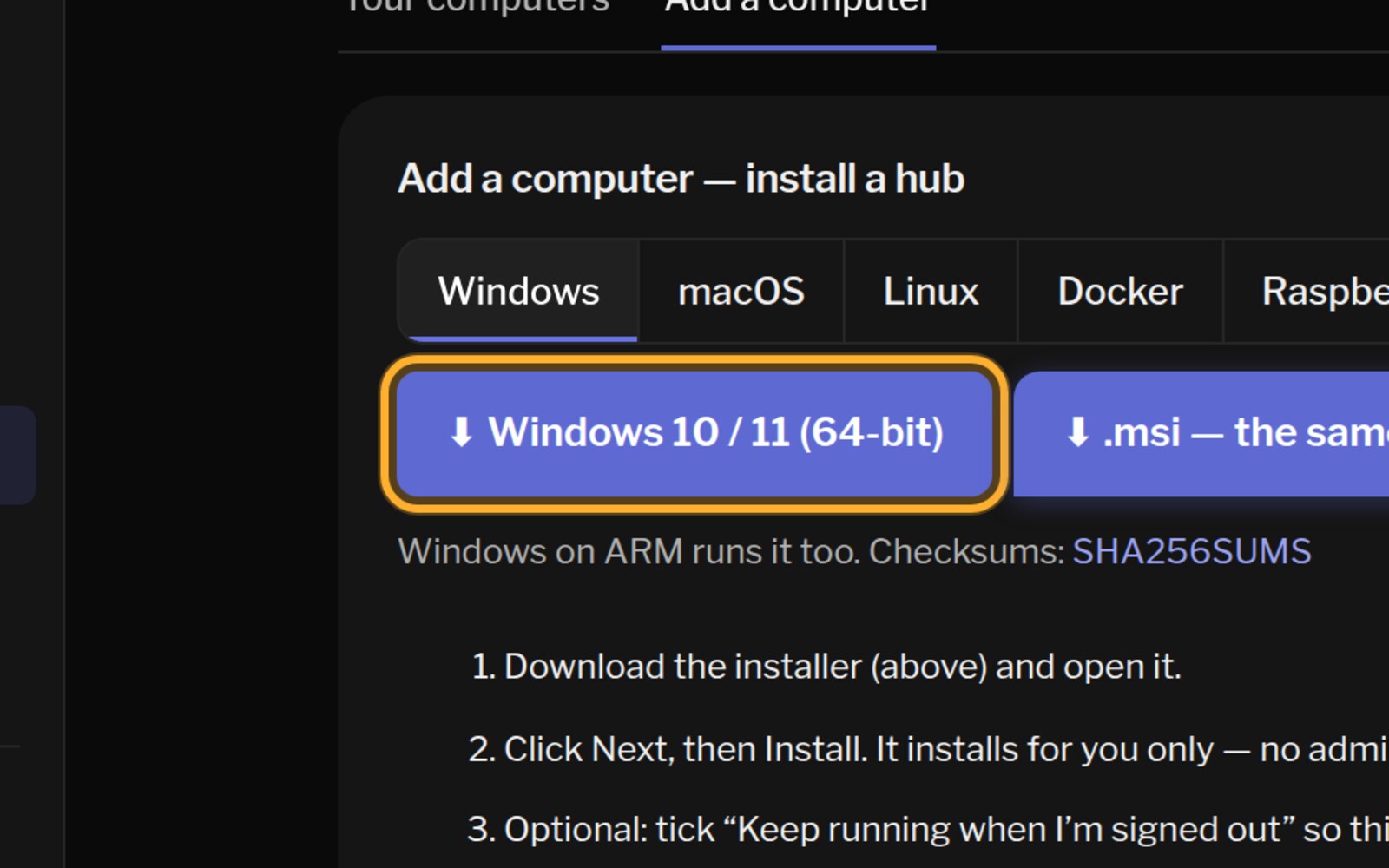
Close-up: The Add a computer page opens. Pick the computer’s system: Windows, macOS, Linux, Docker or Raspberry Pi. Then download the installer, or copy the command.
Close-up · Download the picture

Step 3 of 4

When it is installed, a page opens to link the computer to your account. Give it a name and press “Link this computer”. Already installed it? The same page takes the code the computer shows.
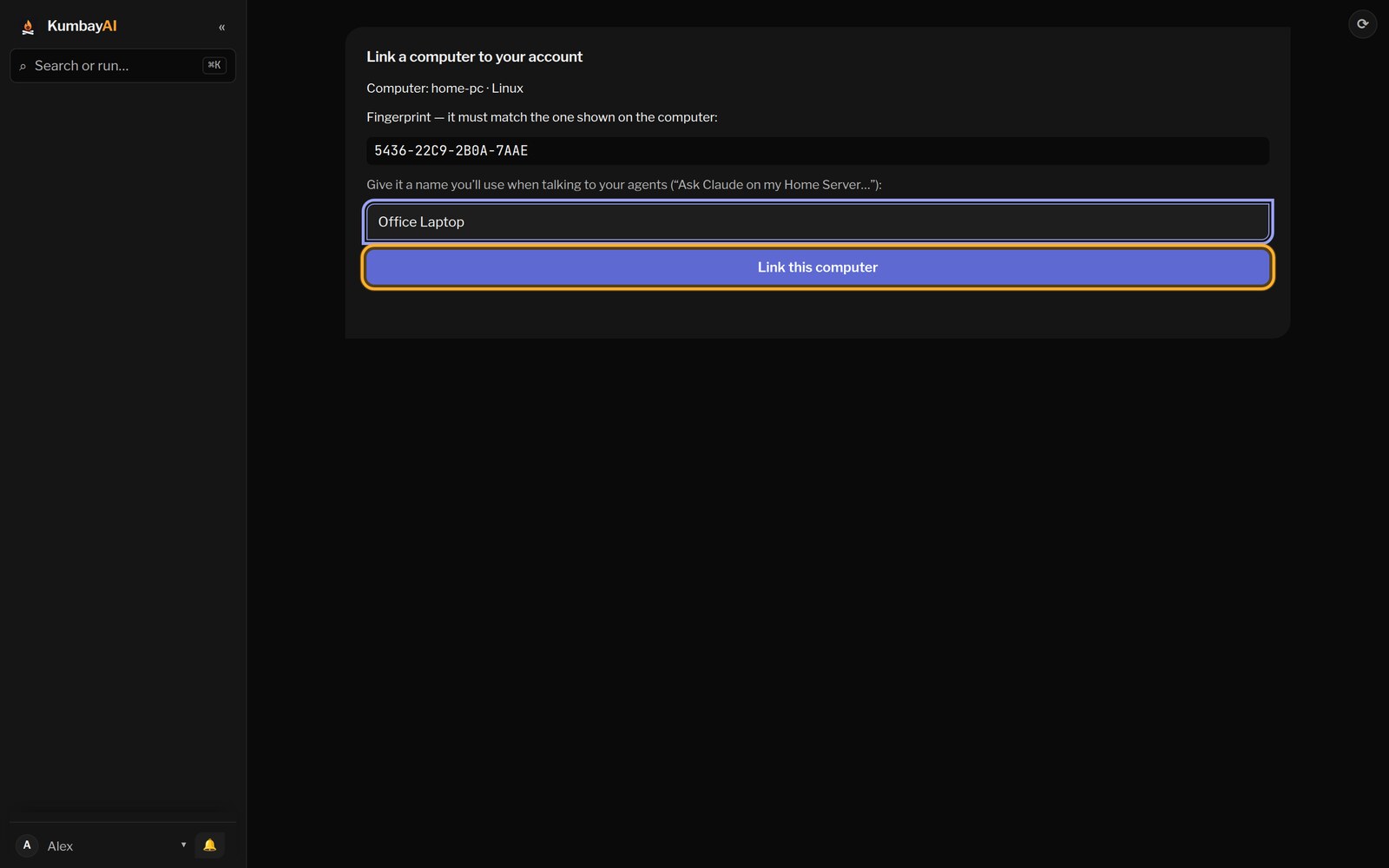
When it is installed, a page opens to link the computer to your account. Give it a name and press “Link this computer”. Already installed it? The same page takes the code the computer shows.
The screen · Download the picture

Step 4 of 4

The computer now shows under “Your computers”, online, with its health, its apps and its updates. Add as many as your plan allows. Your free trial lasts 14 days, then the service pauses until you choose a plan.
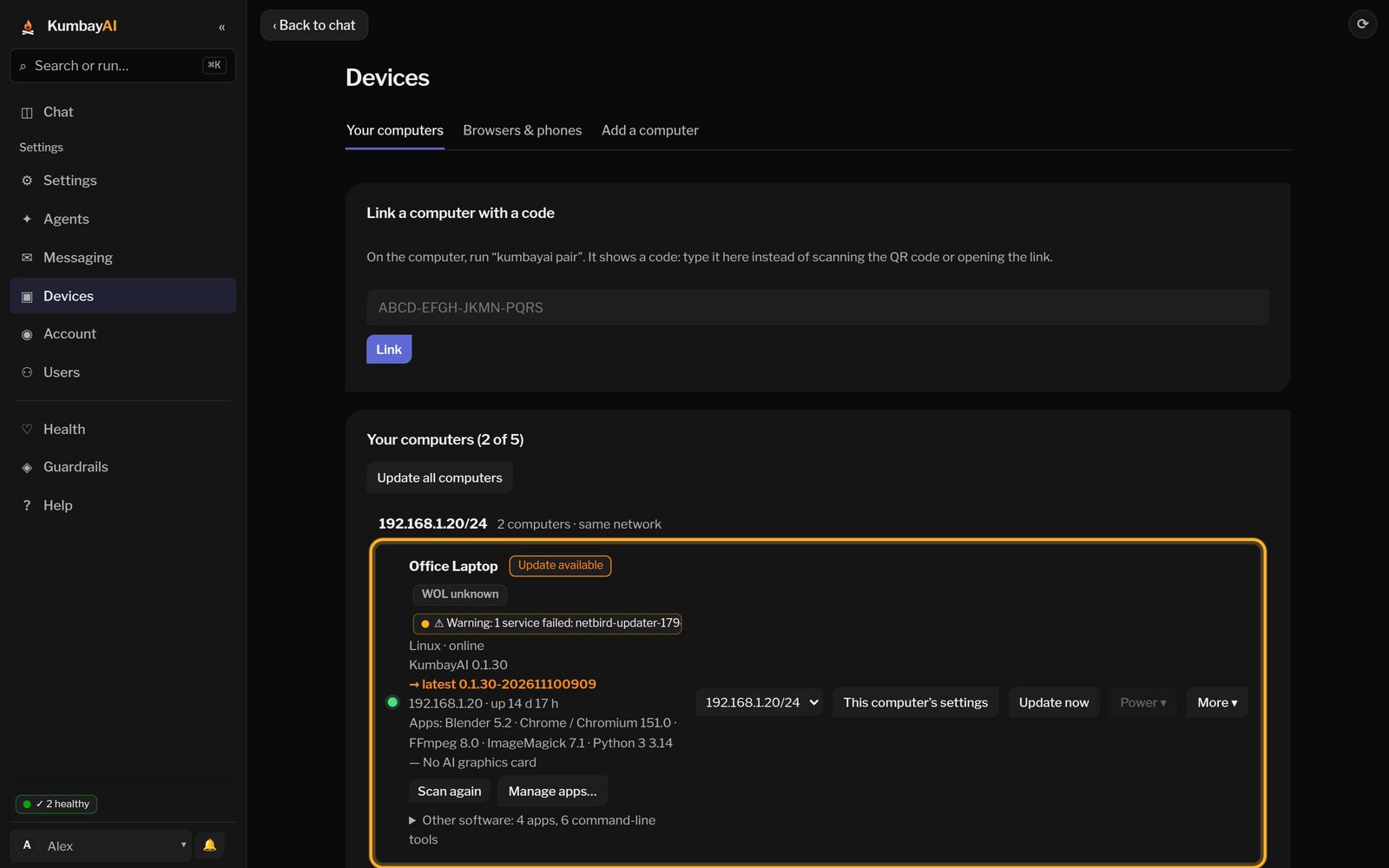
The computer now shows under “Your computers”, online, with its health, its apps and its updates. Add as many as your plan allows. Your free trial lasts 14 days, then the service pauses until you choose a plan.
The screen · Download the picture