Health monitoring

Know when a computer, a disk or a service needs attention.

Download the video · the pictures come from a demo account, so the names and chats in them are examples.

Step 1 of 6

Health shows every computer: temperatures, disks, memory and updates. “Run checks now” checks again.
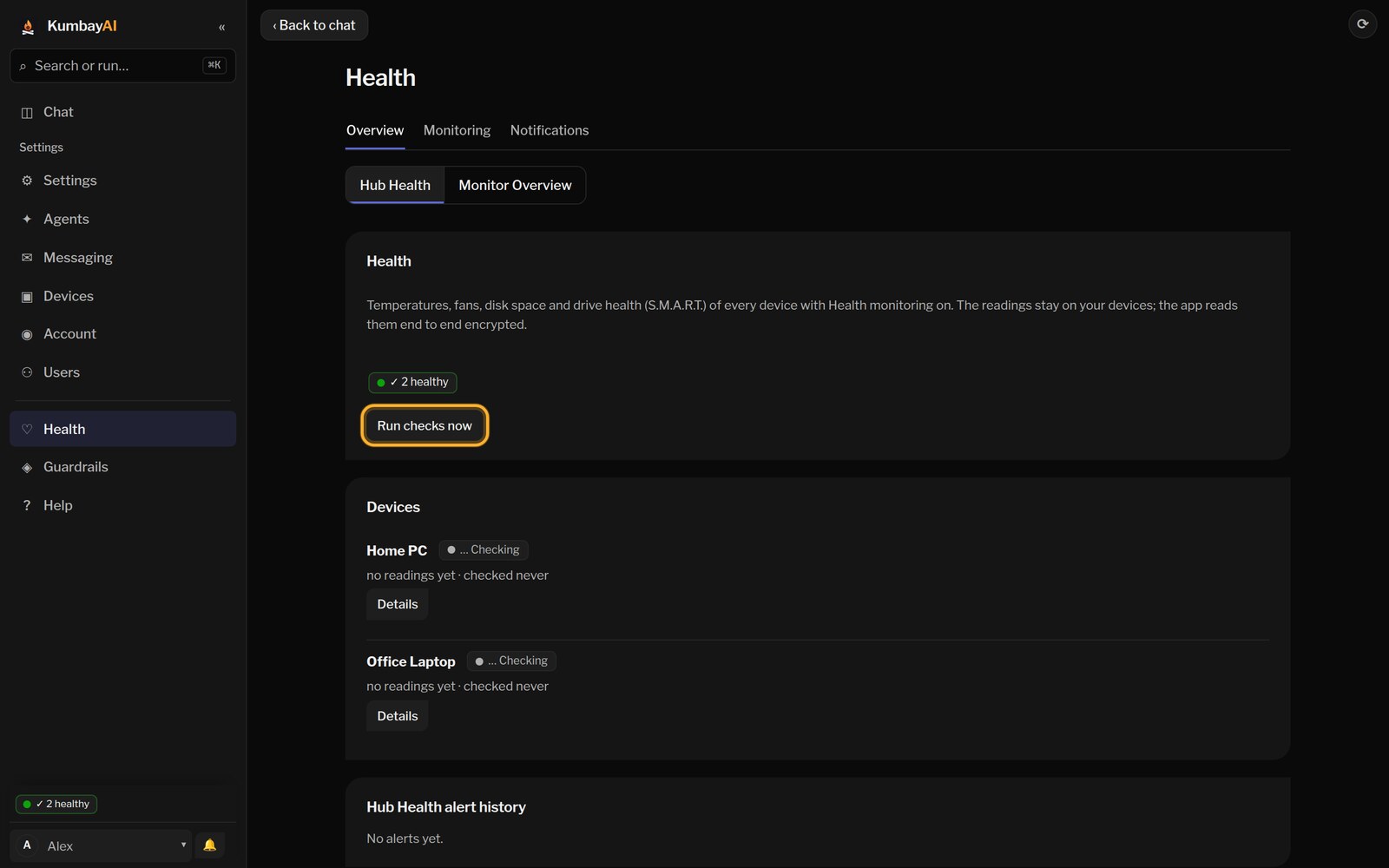
Health shows every computer: temperatures, disks, memory and updates. “Run checks now” checks again.
The screen · Download the picture
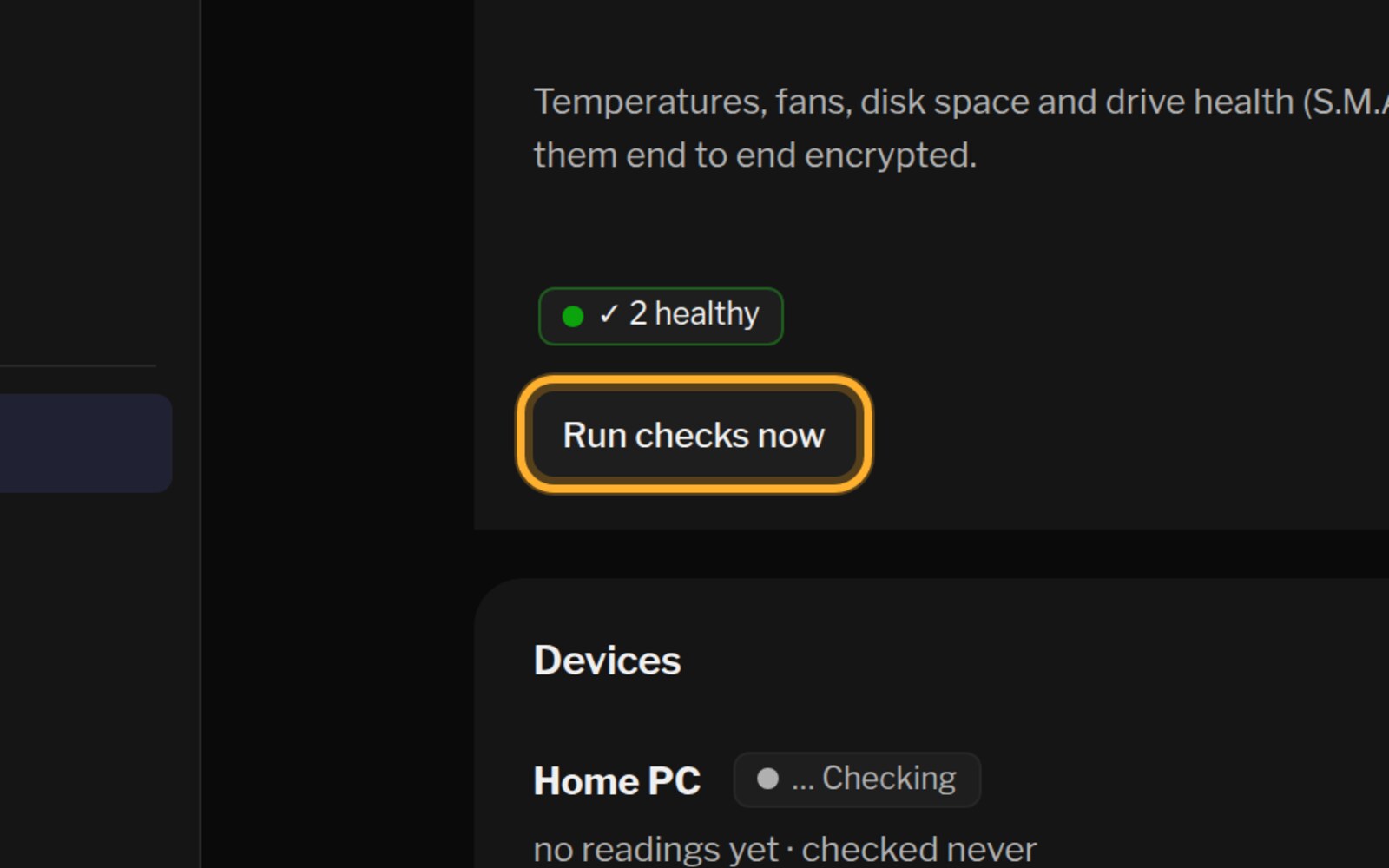
Close-up: Health shows every computer: temperatures, disks, memory and updates. “Run checks now” checks again.
Close-up · Download the picture

Step 2 of 6

Under Health, Monitoring, Monitors, add checks for pings, ports, websites, services and Docker containers and their logs. Or type what you want, like “check ports 5002 and 5003 and the logs of my plex containers”, press “Add or change monitors with AI”, and press “Add it” on what it proposes (“Add all” for several).
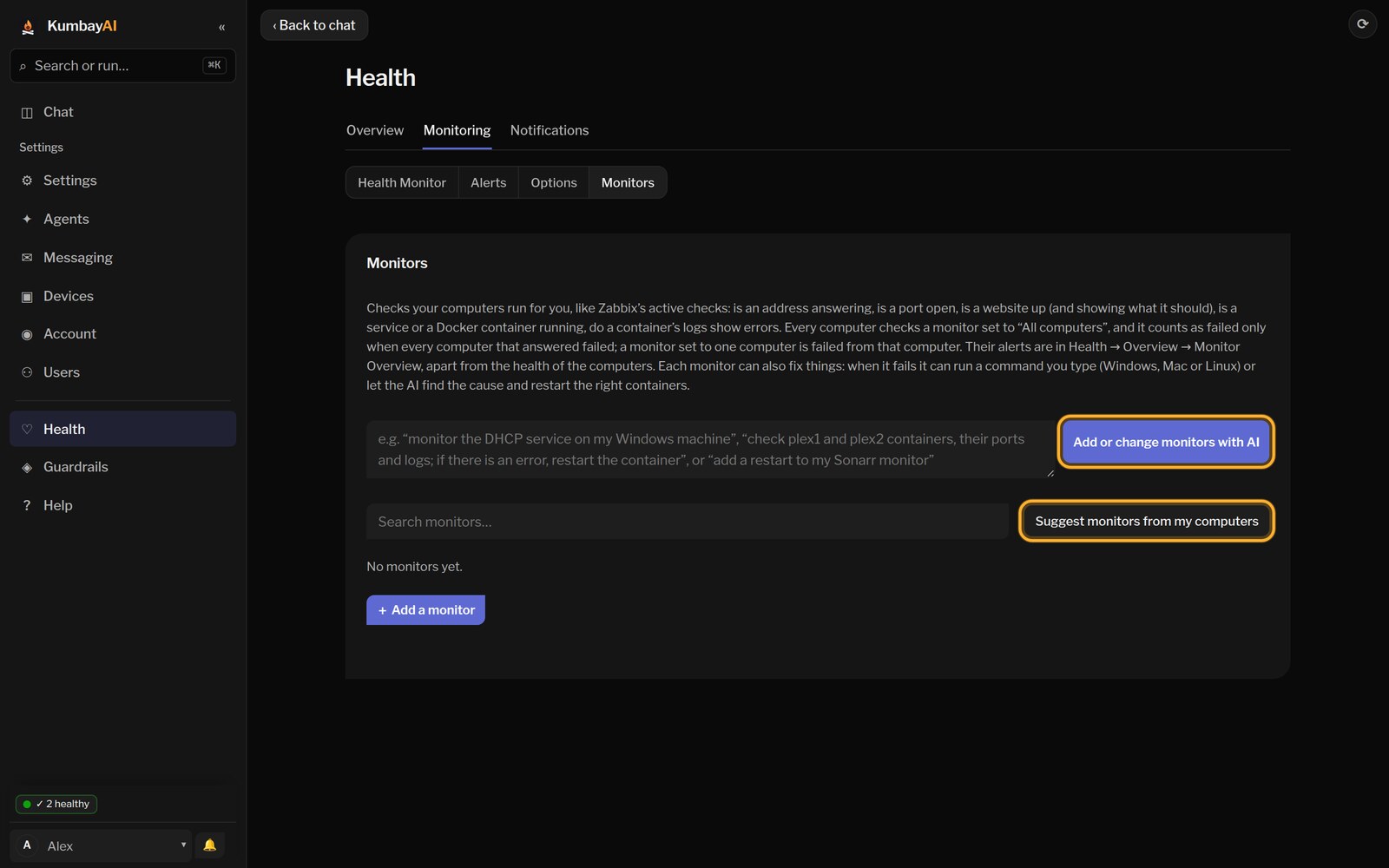
Under Health, Monitoring, Monitors, add checks for pings, ports, websites, services and Docker containers and their logs. Or type what you want, like “check ports 5002 and 5003 and the logs of my plex containers”, press “Add or change monitors with AI”, and press “Add it” on what it proposes (“Add all” for several).
The screen · Download the picture
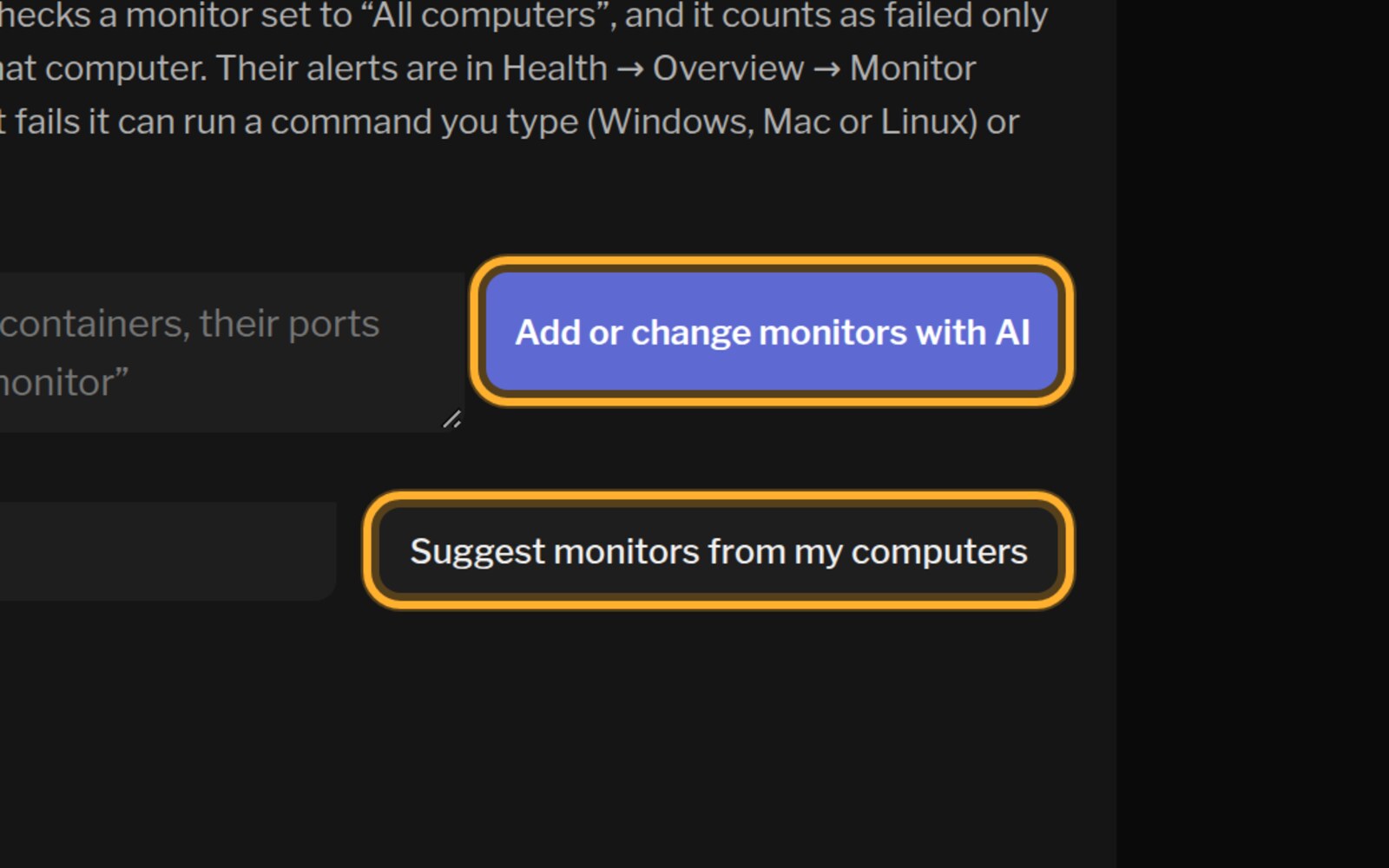
Close-up: Under Health, Monitoring, Monitors, add checks for pings, ports, websites, services and Docker containers and their logs. Or type what you want, like “check ports 5002 and 5003 and the logs of my plex containers”, press “Add or change monitors with AI”, and press “Add it” on what it proposes (“Add all” for several).
Close-up · Download the picture

Step 3 of 6

Each monitor can have an “If it fails” step: nothing, run a command you typed, or let the AI look into the cause and restart the containers or services you named on that monitor. Only the owner can set it, and it tries twice, ten minutes apart, unless you change that.

Each monitor can have an “If it fails” step: nothing, run a command you typed, or let the AI look into the cause and restart the containers or services you named on that monitor. Only the owner can set it, and it tries twice, ten minutes apart, unless you change that.
The screen · Download the picture
Close-up: Each monitor can have an “If it fails” step: nothing, run a command you typed, or let the AI look into the cause and restart the containers or services you named on that monitor. Only the owner can set it, and it tries twice, ten minutes apart, unless you change that.
Close-up · Download the picture

Step 4 of 6

In Health, Overview, switch between Hub Health (your computers) and Monitor Overview: every monitor as up, down or off, what each computer found, and Acknowledge or Snooze for its alerts. A monitor that is up again clears its alert by itself.

In Health, Overview, switch between Hub Health (your computers) and Monitor Overview: every monitor as up, down or off, what each computer found, and Acknowledge or Snooze for its alerts. A monitor that is up again clears its alert by itself.
The screen · Download the picture
Close-up: In Health, Overview, switch between Hub Health (your computers) and Monitor Overview: every monitor as up, down or off, what each computer found, and Acknowledge or Snooze for its alerts. A monitor that is up again clears its alert by itself.
Close-up · Download the picture

Step 5 of 6

In Health, Notifications, turn on push notifications for this browser, and choose what is watched and when to be told. “Working hours” limits it to the days and hours you pick; critical alerts still come through.
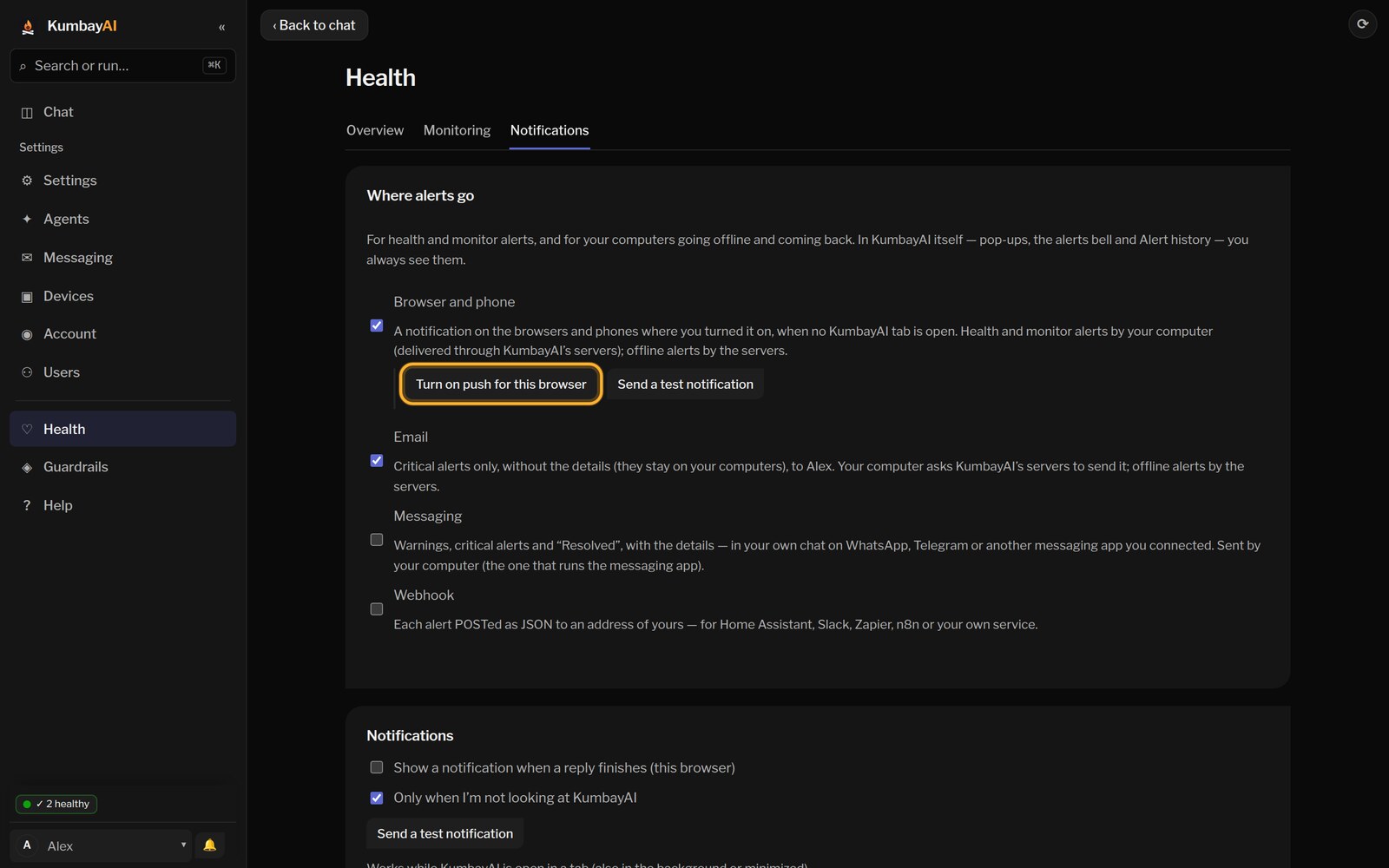
In Health, Notifications, turn on push notifications for this browser, and choose what is watched and when to be told. “Working hours” limits it to the days and hours you pick; critical alerts still come through.
The screen · Download the picture
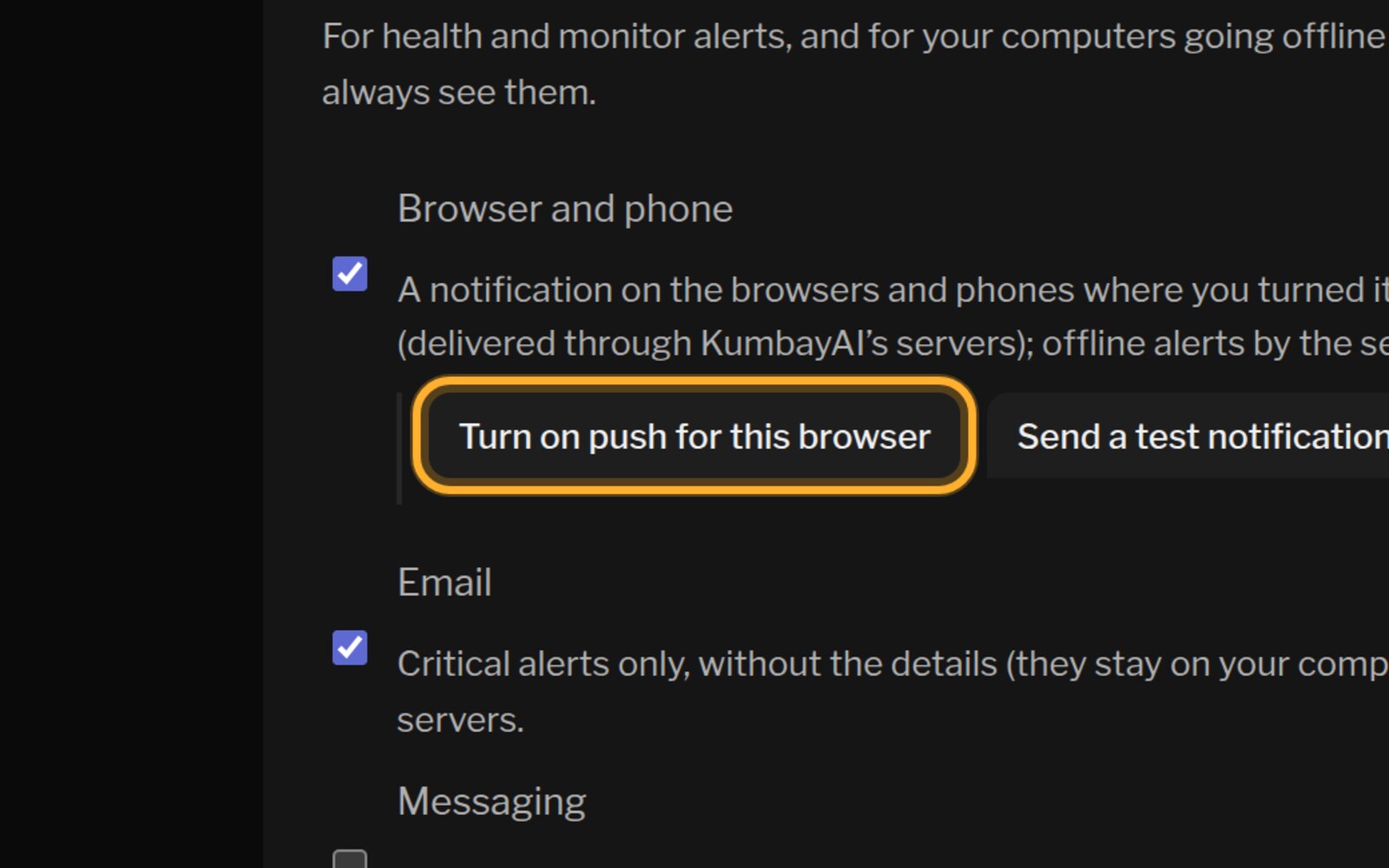
Close-up: In Health, Notifications, turn on push notifications for this browser, and choose what is watched and when to be told. “Working hours” limits it to the days and hours you pick; critical alerts still come through.
Close-up · Download the picture

Step 6 of 6

Alert history keeps every alert and what was done about it.
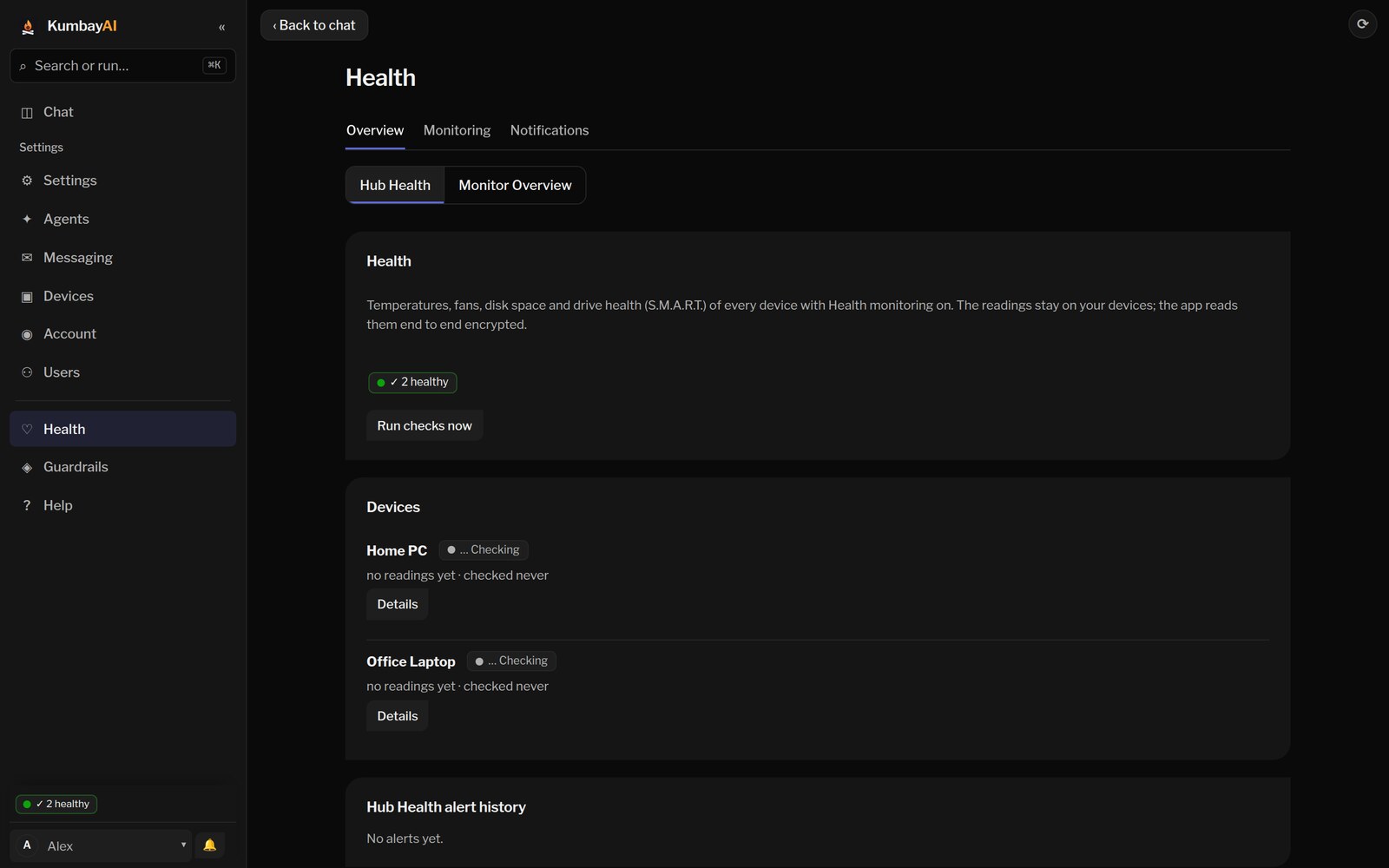
Alert history keeps every alert and what was done about it.
The screen · Download the picture